

Dynamic landing pages built for businessThe right message.
The right person.
The right place.

DESIGNED TO CONNECT.

Landing page design and development that connects your business with what customers are looking for. Messaging adapts to the service and location, creating a clear path from interest to inquiry.

15 minutes to discuss your audience, message, and next step. Send your details and we will arrange a time.+972-77-997-4482
See personalization in action
  1. Messaging that fits the customer
  2. Design that earns attention
  3. A clear path to getting in touch

A dynamic landing page built to turn qualified interest into sales opportunities

More than a landing page.
Your business's dynamic sales engine.
Built to move people forward.

Clean code, fast-loading experiences, and a focus on qualified leads. From the first message to the form and CRM, every detail is designed to move customers from interest to conversation to sale.

Relevant messageQualified inquirySales opportunity
Don't just picture it. Try it.

The customer's search changes.
Your page changes the conversation.

Choose a service and city. Watch the headline, content, and next step adapt to what the customer needs.

Explore the full personalization demo
This is interactive. Change your selection and watch the page respond.
What the customer searches forDoor unlocking in Tel Aviv
LOCKSMITH / LIVE PREVIEWDemo website
Key.Locksmith service. With you in mind.
Your home.
Your peace of mind.
Tel Aviv and surrounding areas

Door unlockingin Tel Aviv.

Keys left inside? Tell us about your door and the problem so we can explore the right solution.

Identify the door type
Listen to the need. Explain the options. Make the next step easy.
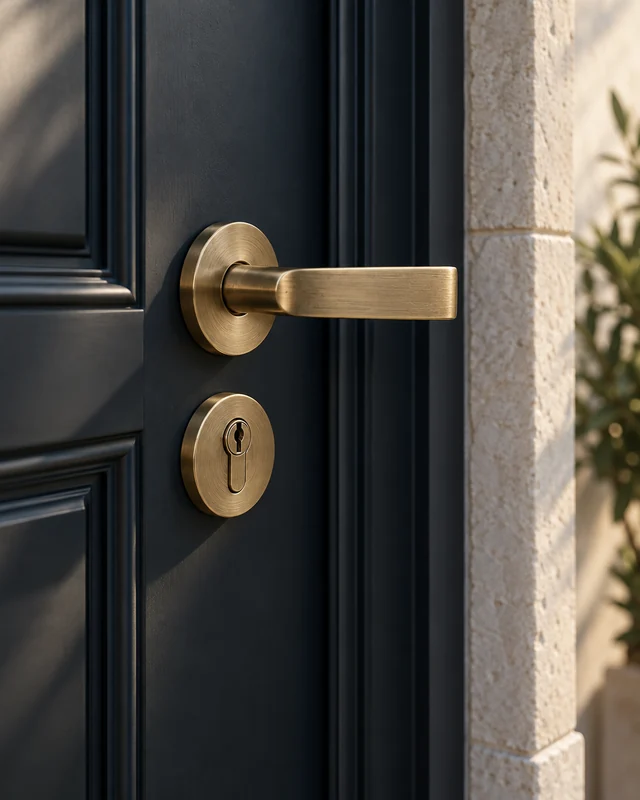
Illustration of a dark door with a brass handle, shown in close-up
IT STARTS AT YOUR DOOR.Small details.
Greater peace of mind.
The right solution for your door.Choose a service
01Understand the need
02Explore the solution
03Arrange the next step

Illustrative brand and page. The button opens an inquiry about building a page for your business.

An illuminated blue wave on a dark background with the new Landing Page logo
DESIGN THAT MOVES BUSINESS.

From first impression.
To your next lead.

Design that gets noticed. A message that connects.
A clear next step to contact you.

Meet your next landing page

See the difference.
From the very first click.

Messaging, design, and technology in one connected experience. Choose where to explore.

  • Messaging matched to the search
  • Content matched to the service area
  • CRM integration
Experience fromBluemedia24 — Digital Marketing
  • tropicasa
  • woojer
  • Rafael Almog & Co.
  • Hatzvatiya
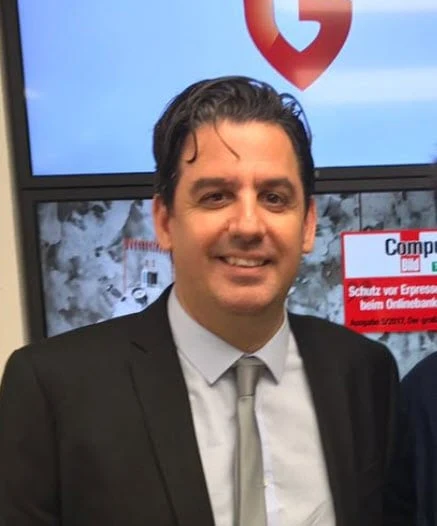
  • G DATA
The moment after the click

After the click,
relevance makes the difference.

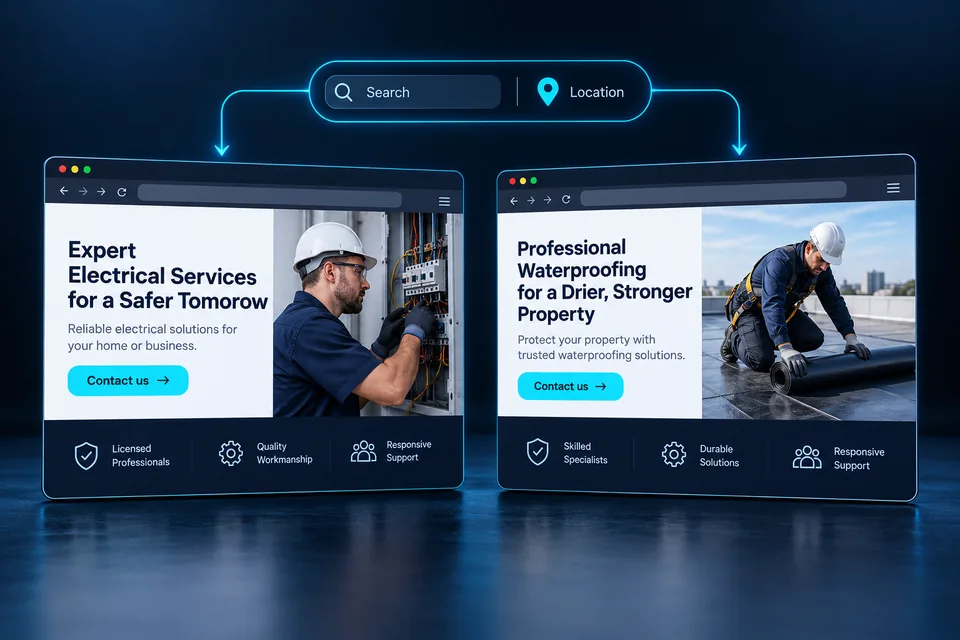
Two customers can approach the same business with different questions. A professional landing page should continue the conversation each one started and make the next step clear.

Three connections that matter
The need

The customer wants a solution.

“AC repair” and “AC installation” share an industry but represent different needs. A precise headline helps visitors immediately recognize that they are in the right place.

The location

They want to know you serve their area.

Coverage is part of the decision. Credible local messaging reduces uncertainty when it reflects where the business actually operates.

The decision

They need a reason to reach out.

A clear offer, genuine evidence, and a straightforward inquiry process create a useful experience. Dynamic personalization brings them together around the customer's context.

One business. Different needs. A page that connects them.

See personalization in action
THE ART OF LANDING.Landing page design / Every detail considered

Small details.
A powerful presence.

Before they read a word,
they feel your brand.

We design that moment, then turn it into a clear path to an inquiry.

A glossy black logo detail and large metallic blue dash beside the Landing Page signature
Deep black. Texture. A precise touch of color.DETAIL IS THE DIFFERENCE.
Three questions that guide the design

What does your page
make customers feel?

  1. What do they notice first?

    Contrast, scale, and spacing create order. Give the main offer room and direct attention toward what matters.

  2. What do they understand immediately?

    The image and headline tell the same story, connecting brand character with a clear explanation of the service and its value.

  3. What can they do now?

    Every stage has a natural next step: reassuring content, a clear action, and a form that completes the experience on smaller screens too.

Design catches the eye.
Relevance gives it a reason to stay.

From design to a dynamic experience
Live demo · Law firms Real estate law

A major decision.A page that understands the stakes.

The same firm. A different experience for each prospect. Choose a practice area and see the image, headline, and message align with the client's need.

01 Image02 Message03 Action
THE LEGAL EDITION / LIVE

Change the practice area.
Feel the difference.

Choose the next client your firm wants to reach.

View your selected page
Example search intentReal estate attorney in Tel Aviv

Choose an Israeli region and city for this demonstration. A real firm's coverage is based on its actual practice.

Explore our law firm landing pages
Illustrative law firm landing pagePREVIEW
Your FirmAttorneys at Law
Illustrative firm

Real estate lawTel Aviv and surrounding areas

Your property. Your decision. Legal guidance along the way.

Buying, selling, or negotiating a lease? Start by understanding the transaction, identifying the important questions, and planning the legal support you need.

  • Buying and selling
  • Lease agreements
  • Property transactions
Real estate law · Tel Aviv
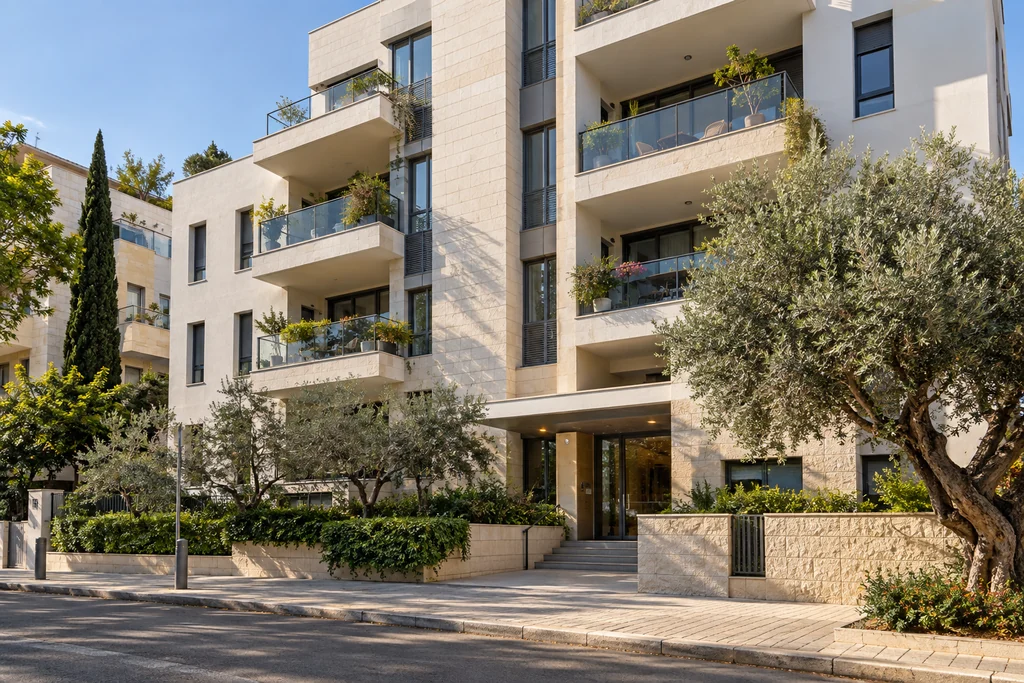
Illustration: residential building with balconies and a light stone facade, representing real estate law
Real estate
PROPERTY. PERSPECTIVE.Room for life. Space for decisions.Illustrative image
01Understand your situation02Define your needs03Plan the next step

Design example for a fictional firm. The button contacts Landing Page about building a page for your practice; it does not request legal services.

Landing page examples · By industry

Your customer should think:
“This is exactly what I was looking for.”

Technology provides the foundation. The difference comes from understanding your business and answering your customers' questions. These three scenarios show the approach.

01 / When someone needs a solution

Locksmith services.
Get straight to the need.

A customer locked out has a different urgency than someone moving into a new home. We distinguish those needs, write a relevant response for each service, and make the contact action easy to find.

The message
Door unlocking, cylinder replacement, or a faulty lock—each need gets a relevant opening and explanation.
The evidence
Real work photos, business details, and a clear process. Availability and coverage reflect approved information.
The contact form
Service type, city, and contact details. If the door type is essential to scheduling, ask for it upfront.
Example search intentLock cylinder replacement in Jerusalem
Example service pageJerusalem

Replacing a lock cylinder?
Let's start with your door.

Tell us about the door and what you want to change. We will check the cylinder and mechanism requirements and arrange the next step.

A clear serviceA relevant areaAn easy next step
Check service in my area

Illustrative layout and copy, not a client website or an active service offer.

02 / From a question to a plan

Air conditioning.
Different projects. Different questions.

New-home installation, AC replacement, and repairs are different services. A dynamic page can provide the right content path for each: a short assessment for a specific issue or a fuller explanation before a project estimate.

The message
Explain the process: understand the property, clarify the need, and assess suitable options.
The evidence
Relevant projects, a clear workflow, and accurate warranty and service information.
The contact form
Property type, area, request type, and project stage help make the first conversation productive.
Example search intentAC installation for a new home
Example service pageRamat Gan

A new AC system?
Plan it around your home.

Tell us about the property and your project stage so we can explore a solution suited to the need and scope.

A clear serviceA relevant areaAn easy next step
Let's discuss your project

Illustrative layout and copy, not a client website or an active service offer.

03 / Details that bring clarity

Professional cleaning.
An offer that fits the job.

Post-renovation cleanup, move-out cleaning, and regular office cleaning need different planning. The page can explain the service, preparation, and details required to assess the job for each audience.

The message
Clarify the scope and what needs to be established before scheduling, reducing misunderstandings from the start.
The evidence
Authorized before-and-after photos, work stages, and examples of relevant property types.
The contact form
Property type, approximate size, city, and preferred date. Build the estimate on useful information instead of guesswork.
Example search intentPost-renovation apartment cleaning in Haifa
Example service pageHaifa

The renovation is finished.
Time for a clean start.

How large is the apartment, when does the work finish, and what matters most for the cleanup? A few details will help us plan the next conversation.

A clear serviceA relevant areaAn easy next step
Tell us about the property

Illustrative layout and copy, not a client website or an active service offer.

In a different industry? We start with your services, audience, and recurring customer questions, then build the page around them.

01 / BUILDING THE EXPERIENCELANDING-PAGE + YOUR NEXT MOVE

Plan the page.Make it relevant.

Dynamic.

One business. An experience that speaks locally.

Connect the service with its coverage area. Messaging adapts to a selected city or available context, with a complete default version for every visitor.

A good page starts with understanding the customer.
Choose the level of personalization and see messaging, location, and inquiry come together.

Every customer meets a page that fits their context.

ONE PAGE. MORE POSSIBILITIES.
From Landing Page's experience

Experience built
with real businesses.

Brands and businesses from Landing Page's portfolio. These examples span home design, professional services and technology.

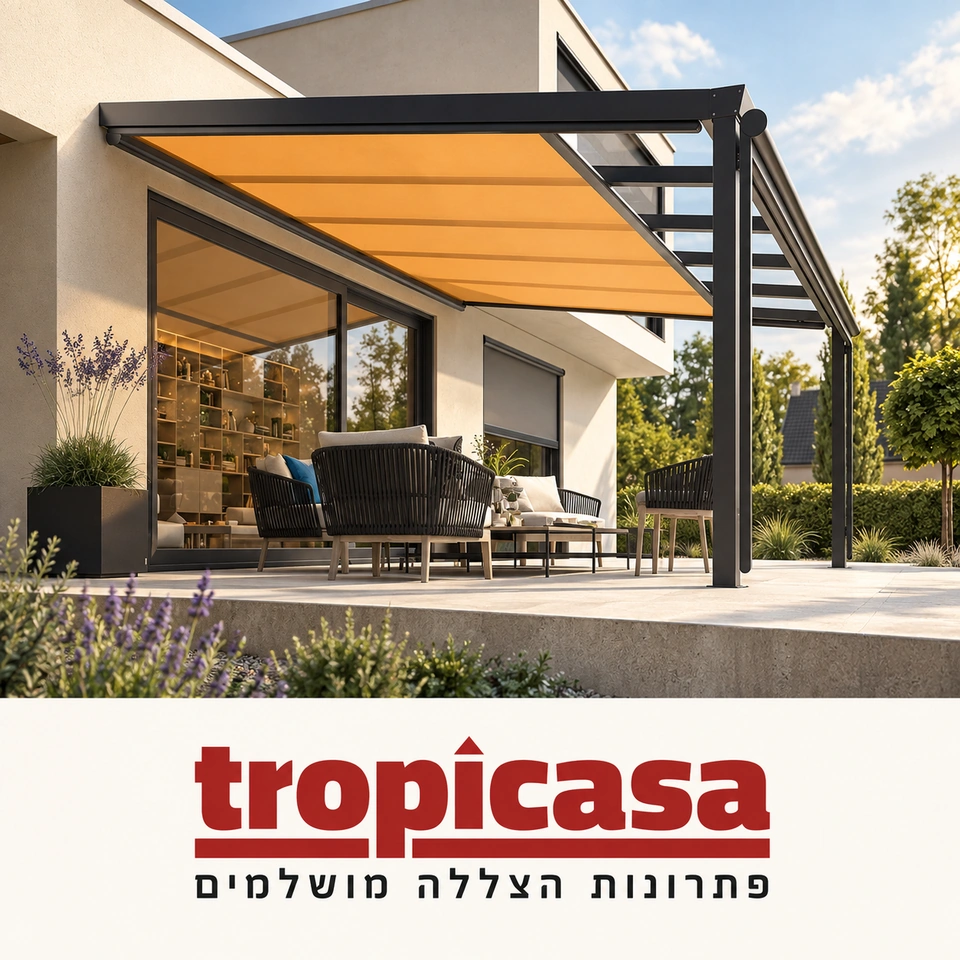
Tropicasa: a dark pergola with warm-toned fabric roofing beside a modern home, with the red Tropicasa logo

Tropicasa

Shade solutions and outdoor design

01
Woojer vest and strap for immersive haptic audio, lit in orange against black with the brand logo

Woojer

Technology and immersive audio

02
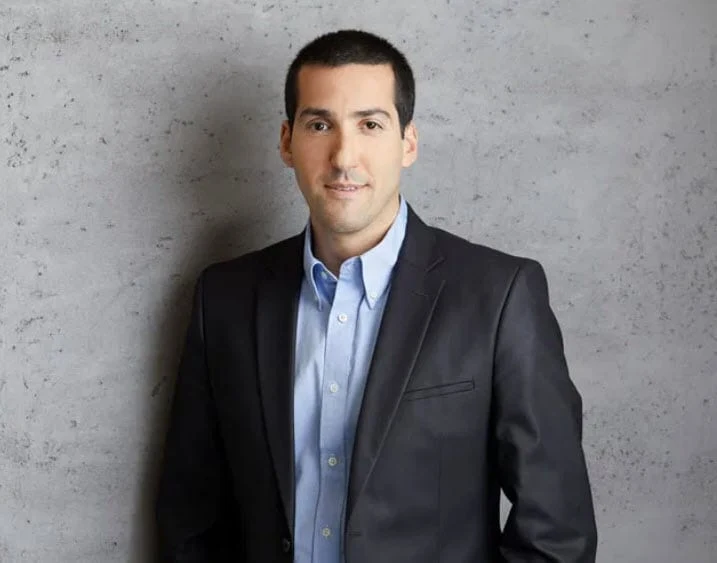
Rafael Almog & Co.: attorney portrait against deep blue with the firm's updated logo

Rafael Almog & Co.

Law firm

03
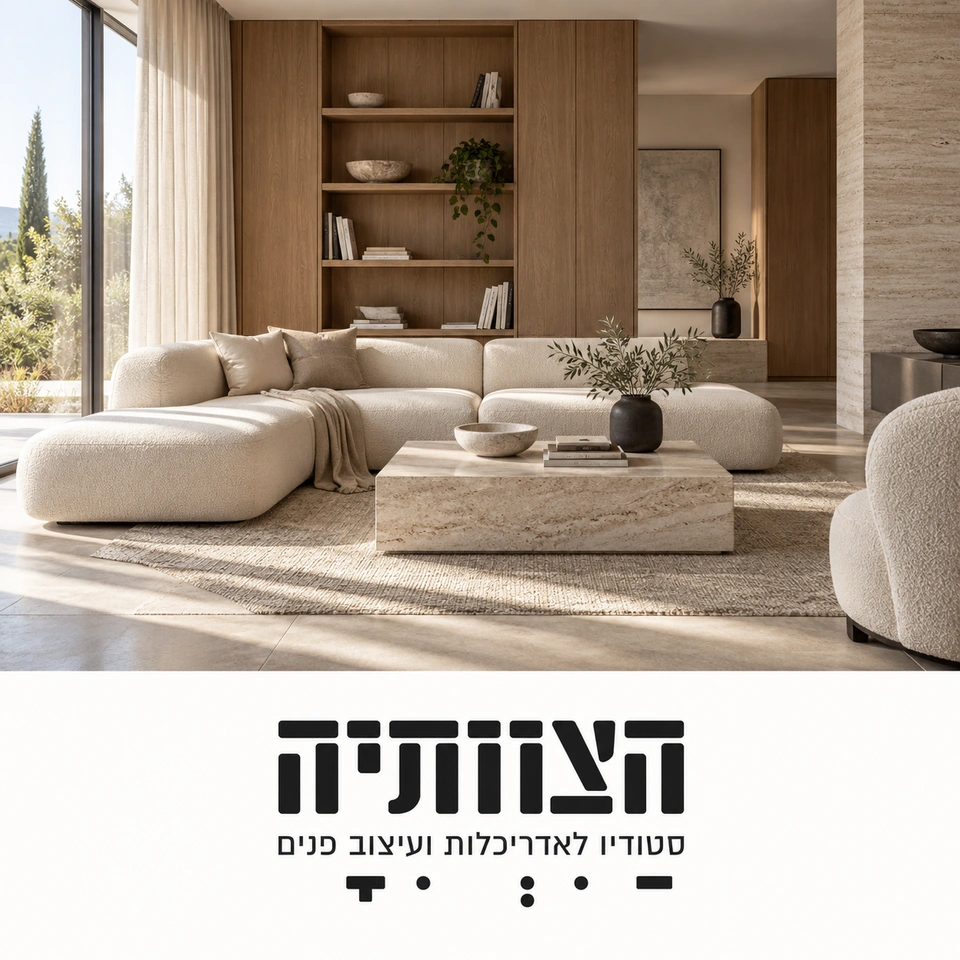
Hatzvatiya brand illustration featuring a natural-toned architectural interior and the studio logo

Hatzvatiya

Architecture and interior design · Brand illustration

04
Elem Chen: mentalist portrait with dramatic lighting against a dark blue background

Elem Chen

Performances and events

05
Agalis brand banner with a white stroller, pink background, and white stork logo

Agalis

Products for parents and babies

06
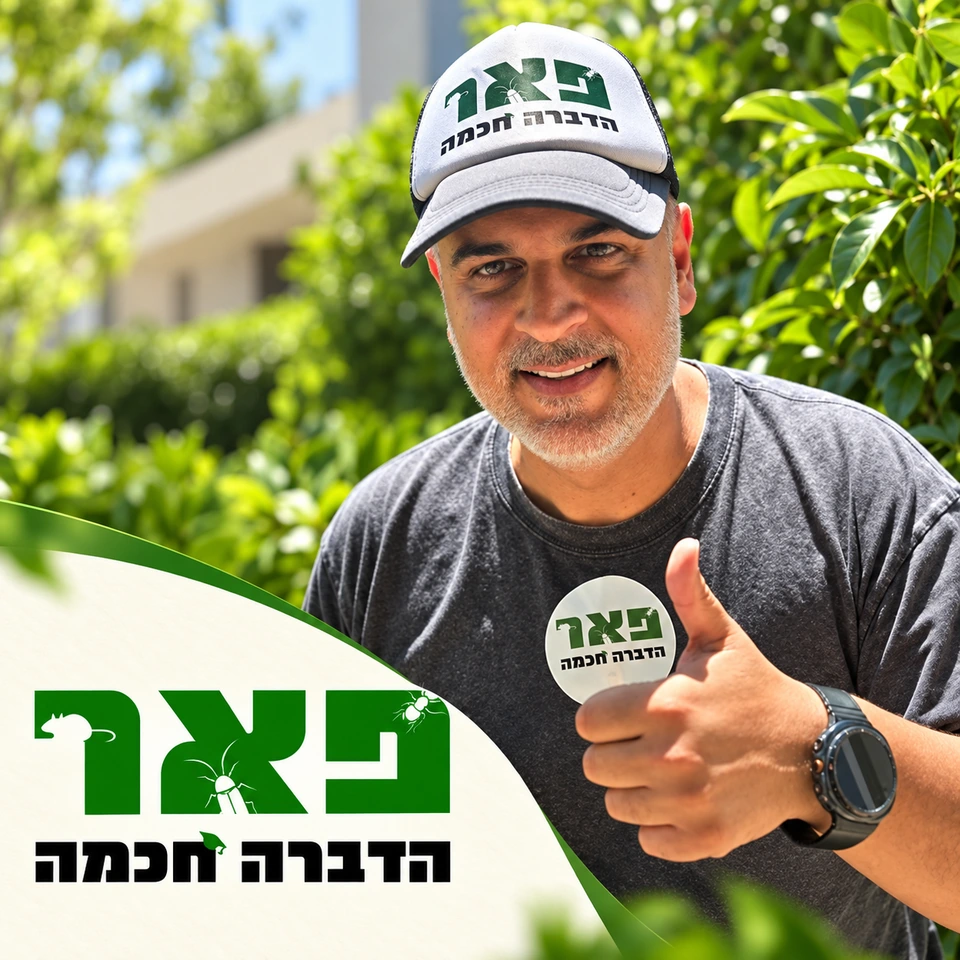
Pe'er Smart Pest Control: portrait in a branded cap and shirt against green, alongside the company logo

Pe'er Smart Pest Control

Pest control services

07
Zohar Bobi Ltd.: roof waterproofing work against a city backdrop, with the company logo and registered waterproofing contractor designation

Zohar Bobi Ltd.

Registered waterproofing contractor

08
Hagi Group: illustration of an installer measuring transparent safety bars on a balcony overlooking the sea, with a black-and-gold logo

Hagi Group Ltd.

Transparent safety bars

09
In our clients' words

The people. The partnership.
The experience of working together.

Personal support, professional expertise, and the ability to measure progress. Bluemedia24 clients share their experience with the team.

Yaniv Danino

Yaniv Danino

G-DATA Israel

Technology and information security

The team is courteous and professional.

About working together

Yaniv came to the team through a friend's recommendation when G-DATA launched in Israel. He describes initial doubts followed by satisfaction with campaign performance and service. Alongside the professional work, he highlights the team's courtesy and the positive experience throughout.

Attorney Rafael Almog

Attorney Rafael Almog

Rafael Almog & Co. Law Firm

Legal services

They keep their promises and work with real dedication and professionalism.

About working together

The relationship included years of digital marketing and lead-generation support. Rafael emphasizes reliability, innovative thinking, and professionalism in a competitive legal market. The personal connection with the team and its commitment to the work are also central to his decision to continue the partnership.

Ofer Cohen

Ofer Cohen

Tropicasa

Shade solutions and outdoor design

They gave us all the tools we needed to measure performance.

About working together

Ofer says he approached the team after trying other providers. He particularly values tools that helped evaluate the return on advertising spend. His testimonial describes positive customer feedback, daily inquiries, and business progress through the partnership.

Quotes are translated from Hebrew; the accompanying text summarizes the original testimonials.

LANDING PAGE / PROJECT FLOW

From an idea to a page.
Step by step.

Sharpen the message. Build the experience. Connect the inquiry.
Turn your business objective into a landing page built to support it.

Landing Page
Step 01 / Strategy and focus

Before we build the page, we understand the business.

Map services, audiences, and coverage. Define what customers search for, what sets your business apart, and the action the page should encourage: a call, estimate request, or appointment.

What you receiveA focused project brief

The objective, audience, value proposition, and definition of a qualified inquiry.

Step 02 / Content and structure

Map the path from the message to the inquiry.

Plan the content sequence: a relevant headline, value proposition, answers to concerns, and genuine evidence. Write calls to action and form questions so every stage prepares for the next.

What you receivePage structure and content

Messaging, section sequence, and customer inquiry scenarios.

Step 03 / Design and development

Strategy becomes an on-screen experience.

Create a visual language that fits the brand and build a clear, fast page in the agreed language. Adapt hierarchy, forms, and buttons for desktop and mobile, checking that customers understand the offer and the next step.

What you receiveA custom, responsive page

Design, development, and comfortable use across devices.

Step 04 / Dynamic content and LEADER

The message fits the customer. The inquiry arrives with context.

Define service and city rules with a default version for missing information. Connect the questionnaire to LEADER and map contact details, answers, and available source data to the appropriate fields.

What you receivePersonalization and lead integration

Content rules, field mapping, and a connected path from the page to sales.

Step 05 / Testing and measurement

Launch with a foundation for testing and improvement.

Check personalization scenarios, form delivery, errors, mobile layouts, and measurement. After launch, review the inquiry journey and lead quality, then plan improvements from the collected evidence.

What you receiveA launch-ready page

Functional checks, measurement, and a starting point for ongoing improvement.

From the idea to the deliverables.

Landing page development.
Every stage has a purpose.

A professional landing page brings messaging, design, technology, and sales together. At every stage, we define the decisions and deliverables needed to move forward.

A strategy you can put to work

Map the audience, core services, coverage, and business advantages. Define a qualified inquiry and the action you want the customer to take.

DeliverableBrief, audience map, and value proposition

Content built around the decision process

Write a clear opening, service details, answers to concerns, and calls to action. A dynamic version also defines service-specific messages and a complete default when personalization context is missing.

DeliverablePage structure, copy, and content scenarios

Landing page design that belongs to your brand

Bring typography, color, imagery, and motion into one visual language. Create a hierarchy that communicates the offer quickly while allowing deeper exploration on desktop and mobile.

DeliverableDesign, components, and responsive layouts

Development that connects every part

Implement the design, personalization, and form. Define CRM fields and source attribution, then test success and failure scenarios before launch.

DeliverableWorking page, personalization rules, and lead mapping

Launch with a foundation for what comes next

Review links, forms, practical accessibility, and layouts. Implement the agreed measurement events, test the inquiry path, and leave an organized foundation for future improvements.

DeliverableAcceptance checks, instructions, and measurement plan
What should you prepare for planning?

Bring your knowledge of the business.
We will build the path together.

  • Your logo and existing brand materials, if available.
  • The services and locations you actually cover.
  • Projects, photos, and testimonials you have permission to publish.
  • Questions that come up repeatedly in customer conversations.
  • Campaign details and your existing lead-management system.
  • Goals, priorities, and constraints we should understand.

Deliverables, versions, integrations, and support are defined in the package and project scope. Compare packages

From interest to an action plan

Your next inquiry should
be right for your business.

An impressive page is the beginning. Our conversation focuses on the services you want to promote, the customers you want to reach, and what will help the right person take the next step.

A good fit if…You are launching something new, advertising and seeking better inquiries, or looking to present a service more clearly.
A focused introductory call15 minutes

What will we discuss?

  1. 01
    Your ideal customer

    Which inquiries to attract and which are less suitable.

  2. 02
    What the page needs to do

    The messaging, examples, and personalization that support relevant inquiries.

  3. 03
    How to move forward

    Scope, integrations, and the information needed for a proposal that fits.

Send your details → We arrange a time → We discuss your business.
Submitting a request does not place an order.

Prefer to call? +972-77-997-4482
YOUR NEXT MOVE / 01—03

Your page.
At the right scale.

Three packages for a professional landing page.
Start with your business objective, then choose the content, personalization, and integrations it needs.

Not sure which fits? Let's work it out together
The focused package

FOCUS

A strong start. A focused message.

For a business presenting one core service, building trust, and giving visitors a clear way to inquire.

Services
Up to 1
Service areas
Up to 3
Page sections
Up to 7

What's included

  • Strategy and content for one service

    Audience focus, value proposition, and copy for up to 7 sections.

  • Custom brand design

    Responsive design and development for desktop and mobile.

  • Foundational local personalization

    Headlines and service-area content for up to 3 locations.

  • Inquiry form and LEADER integration

    Contact details, requested service, and available source information.

  • Technical foundations for SEO and measurement

    Metadata, content structure, and a form-submission event.

  • An organized launch

    One prelaunch revision round and functional checks.

One service. A clear offer. A professional starting point.

Custom proposal based on your project scope

The expanded package

SCALE

More services. More possibilities.

For a business with broad coverage, multiple audiences, and a sales team that needs richer lead information.

Services
Up to 6
Service areas
Up to 20
Page sections
Up to 14

What's included

  • All DYNAMIC capabilities, at a larger scale

    Strategy and copy for up to 6 services and 14 sections.

  • Up to 20 service areas

    A structured personalization map for services and locations.

  • Two audience journeys

    Tailored messaging and questions for two customer types.

  • Advanced connection to the sales process

    LEADER field mapping and one automation, such as assigning inquiries to a team.

  • A foundation for comparison and improvement

    Two headline or form variants and setup for one A/B test.

  • Extended launch support

    Three revision rounds and an optimization meeting within 60 days of launch.

A foundation for broader campaigns and evidence-based improvement.

Custom proposal based on your project scope

Every package starts with a professional foundation.
  • Design for your brand
  • Mobile-ready layouts
  • Copywriting in the agreed language
  • LEADER integration
  • Prelaunch testing

Each package covers one primary landing page. Final scope and pricing are confirmed in a written proposal. Domain, hosting, third-party licenses, media spend, and ongoing management are priced separately. A/B testing and performance reviews depend on sufficient data. Integrations and automations depend on your systems' capabilities and access.

Much more than a changing headline

What your page needs.
What your business needs.

A business landing page should be clear to customers, useful to sales, and ready for improvement. We build the experience as a whole.

01 ↗

Messaging that continues the search

Adapt headlines, copy, and calls to action to the campaign's defined search intent. Someone looking for installation has a different need from someone seeking a repair.

Map search groups by service and need, then write a complete response for each. Personalization can include benefits, explanations, and button copy so the same message runs through the page.

  • Preapproved content
  • A default version when context is missing
02 ↗

An experience that speaks locally

Adapt service-area content to a selected city or available campaign location signal. Show relevant local information without inventing branches or availability.

Define where the business actually operates and let customers correct the selection. Carry the location into content and follow-up without assuming the device's location is where the work is needed.

  • Clear city selection
  • Service rules by location
03 ↗

Design that guides action

Clear hierarchy, natural copy, well-placed calls to action, and comfortable mobile use. Evaluate every component by how it helps customers understand the service and get in touch.

Build a reading sequence from offer to evidence to answers. Test longer content variants and phone use so the design remains comfortable in every scenario.

  • A consistent brand identity
  • Motion that respects the reader
04 ↗

A smarter form. A better conversation.

A short, guided questionnaire captures industry, service area, goals, and contact details. Start the conversation with business context, not just a phone number.

Ask only what helps plan or handle the inquiry. Show progress, allow corrections, and retain answers throughout. Clear messages explain missing information and submission outcomes.

  • Questions with a purpose
  • Confirmation and a clear next step
05 ↗

The inquiry continues in LEADER

Contact details and questionnaire answers move into the lead-management system. Available source and campaign information connects advertising with sales follow-up.

Define field mapping and test information delivery. Service, area, answers, and available source data give the team a useful starting point.

  • Information in the right fields
  • Success and failure testing
06 ↗

A foundation for ongoing improvement

Define conversion events, assess lead quality, and test headlines, offers, and forms. Make decisions from actual data and available traffic volume.

Separate engagement from received inquiries, and lead volume from lead quality. Choose a focused improvement and document it so decisions go beyond intuition.

  • A hypothesis and metric before each change
  • Learning from lead follow-up
LANDING PAGE × LEADER CRM

The inquiry arrives.
The context stays.
The relationship moves forward.

LEADER CRM

A professional landing page starts the relationship.
A connected CRM helps your team continue it.

Connect the form to LEADER so contact details, requested service, and answers arrive together. Manage follow-up stages, record conversations, and understand what happened after the customer left the page.

One inquiry. The whole journey.Interactive demo · Sample information
  1. New inquiry
  2. Qualified inquiry
  3. Service scheduling
  4. New customer
Choose a stage in the CRM inquiry journey
LEADERSample inquiry / 024

Maya L.

Lock cylinder replacement request

Service area
Haifa
Lead source
Paid search
Campaign keyword
Lock cylinder replacement in Haifa
What the customer shared on the page

“I've moved into a new apartment and would like to arrange a visit.”

Received from the page
Next step

Contact the customer and clarify the need.

The form is complete. Follow-up begins.

Contact details, service, city, and form answers arrive together in LEADER. Sales receives the context the customer already shared.

What stays with the teamAn organized inquiry with service details

The details arrive together.

Name, contact information, and questionnaire answers transfer to the lead record according to the agreed field mapping.

Know where to start.

Preserve service, location, and available source data to begin a conversation that understands the need.

See what happens next.

Team updates connect the inquiry with its outcome and inform improvements to messaging and process.

Workflow illustration using fictional customer details, not actual system screenshots. Statuses, automations, and fields are defined during planning. Tracking depends on available data and sales-team updates.

LANDING PAGE / STUDIO COLLECTION

Our thinking.
Made visible.

Six perspectives on the product we build: presence, design, location, intent, strategy, and adaptability. One visual language connects the first impression with the next action.

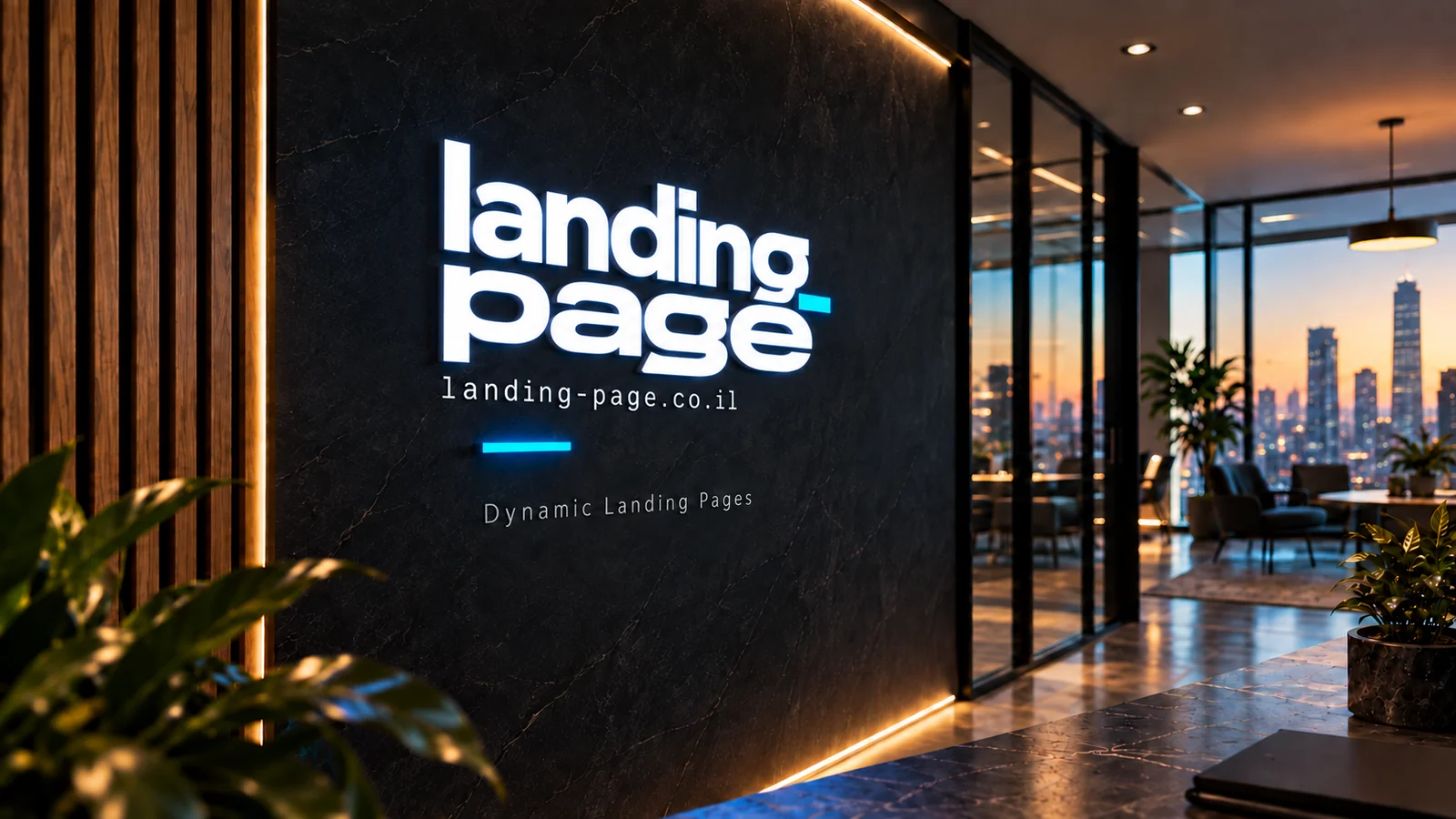
Brand visualization: illuminated Landing Page logo on a dark wall beside windows overlooking a city at sunset01 / Presence

A visual language that stays with you.

Color, typography, and texture create one identity. Carry that feeling onto the screen, from the opening to the final form detail.

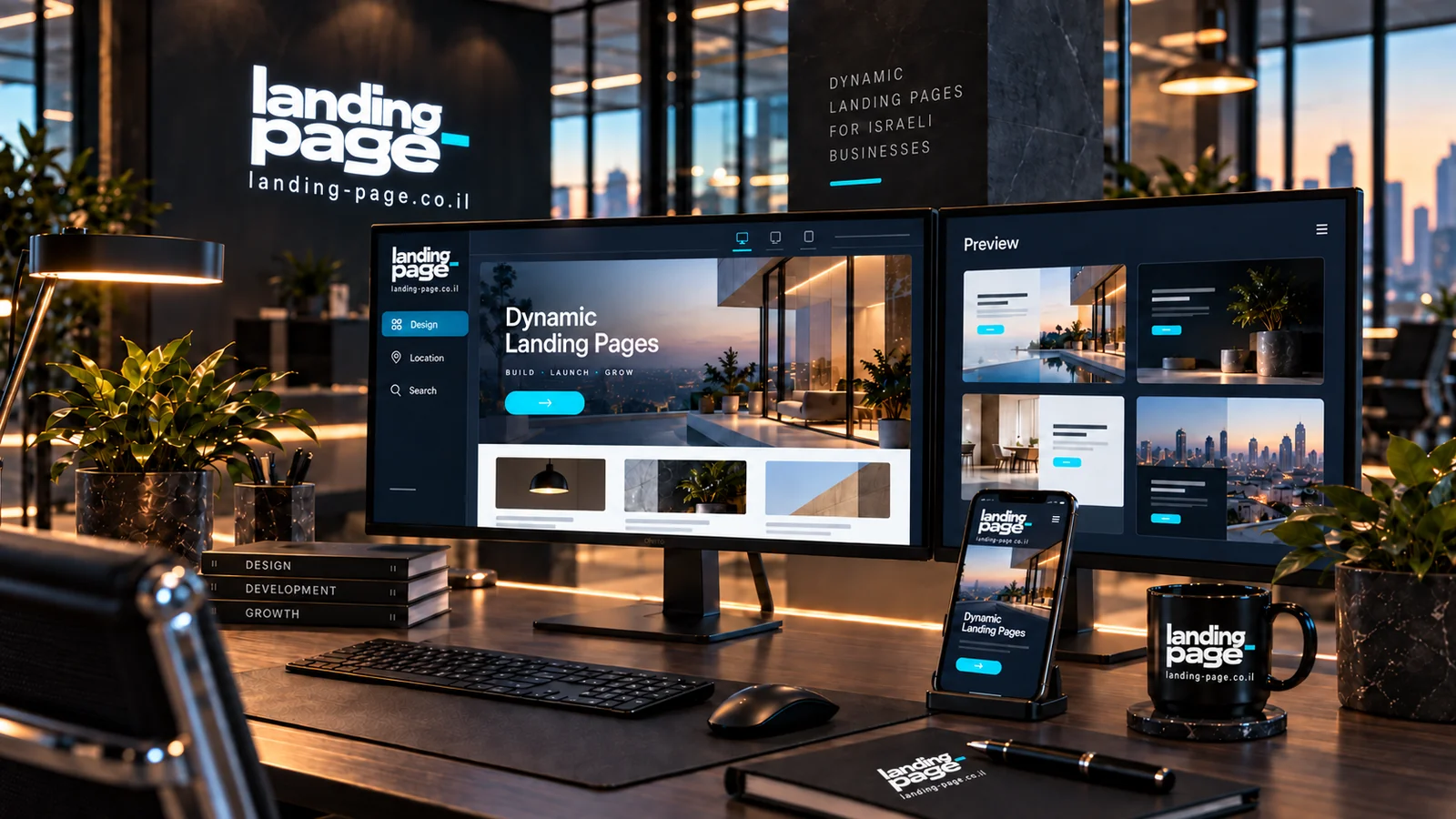
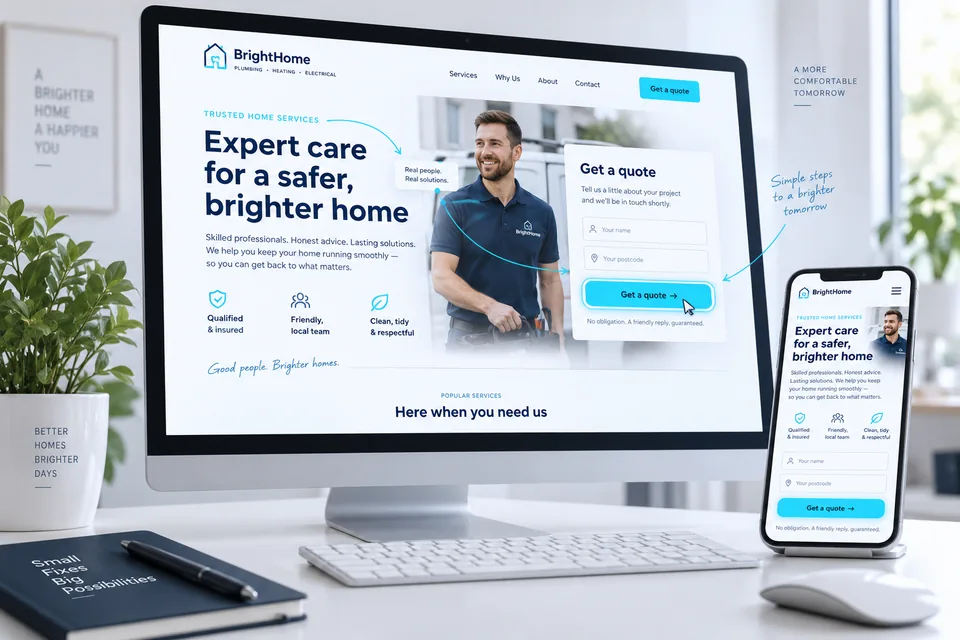
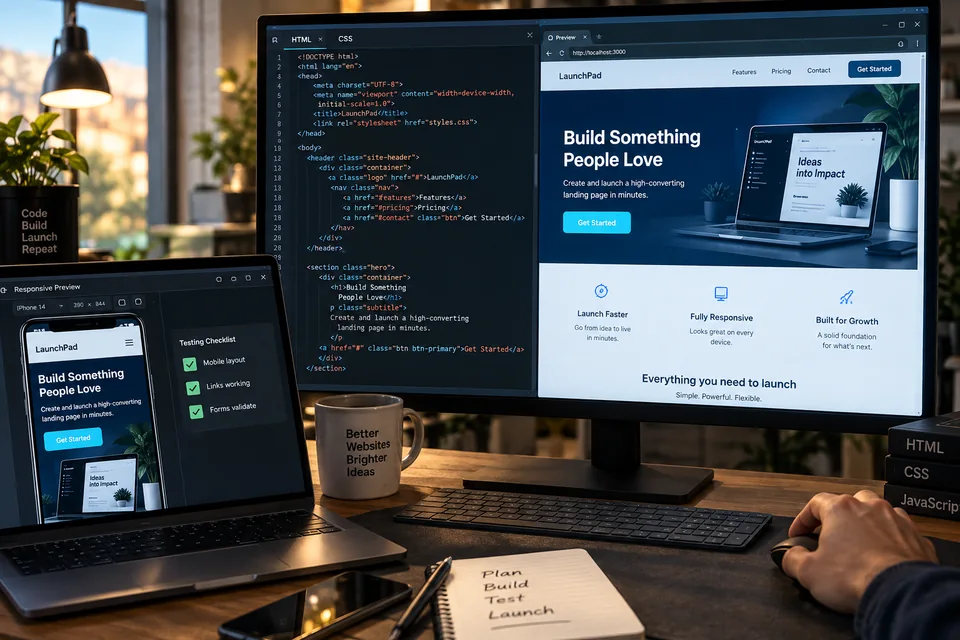
Illustration of a landing page design on two desktop monitors and a phone on a desk02 / Design

Thoughtful decisions, visible on screen.

Clear structure, readable content, and images chosen for a reason. Design the reading journey and the moments that shape a decision.

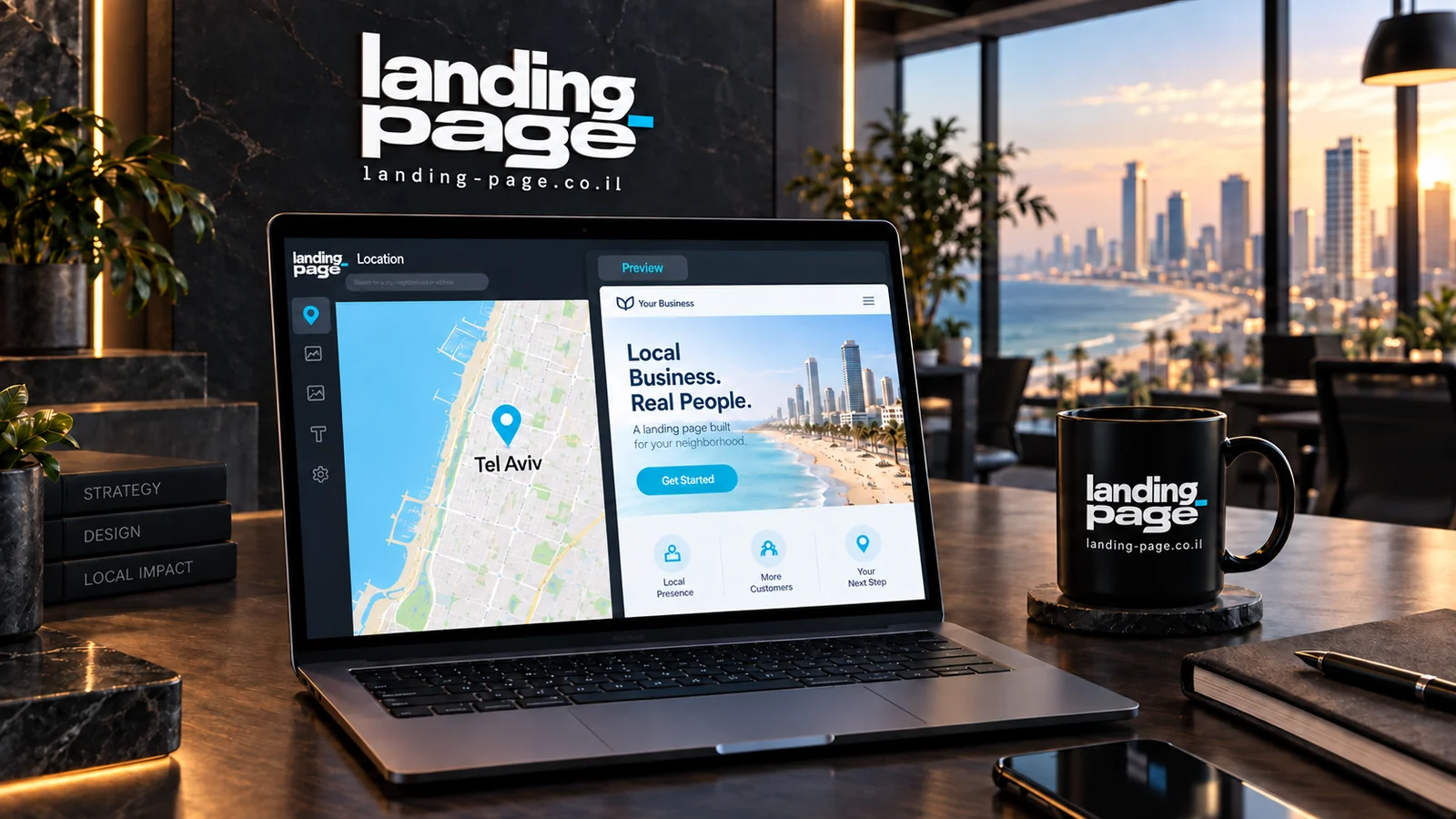
Illustration of a local landing page beside a Tel Aviv map on a laptop screen03 / Location

One business. Local context.

The service area is part of the story. Connect it to useful content and the business's actual ability to deliver.

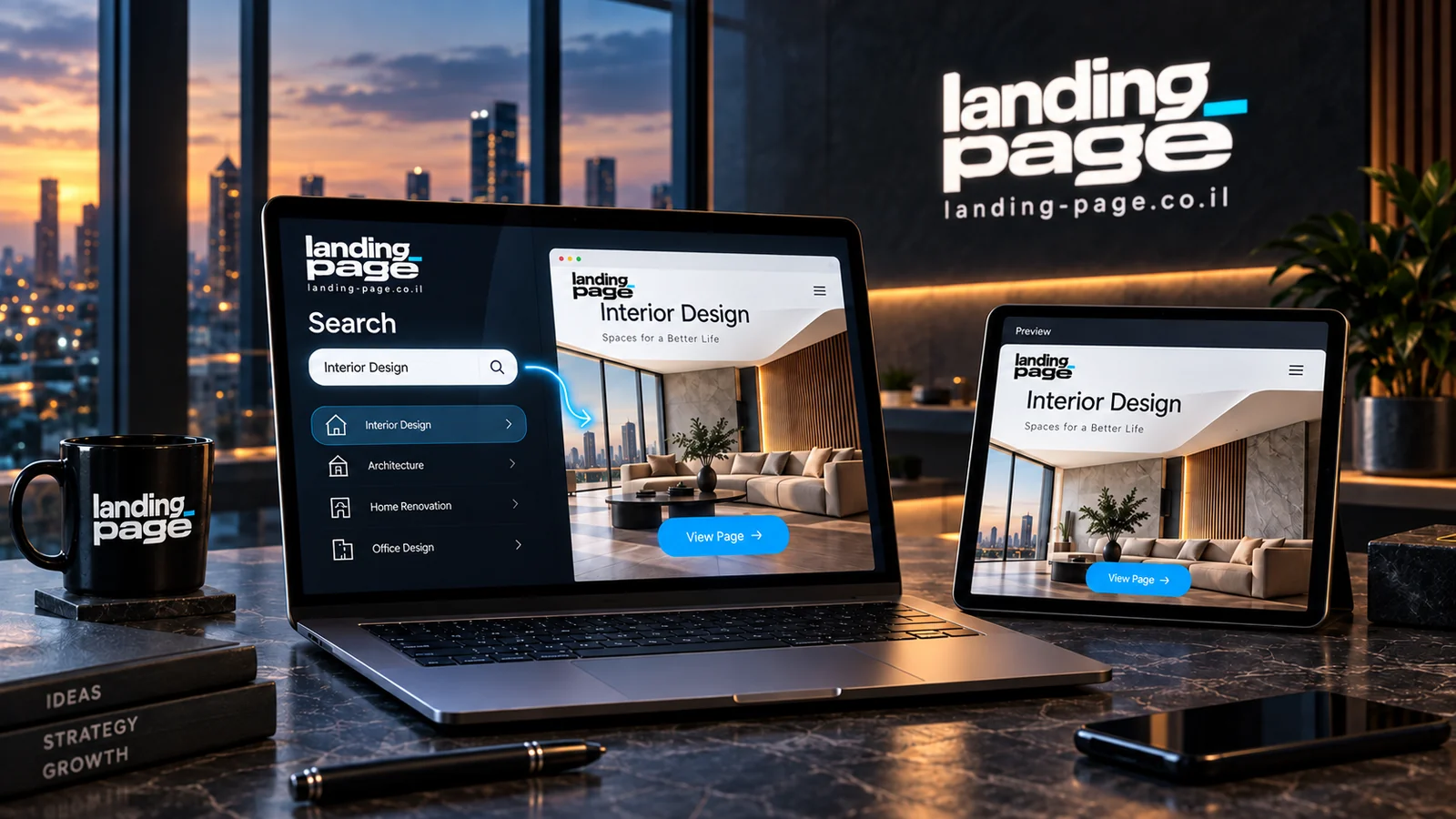
Illustration of an interior-design landing page adapted to search intent, shown on desktop and tablet04 / Intent

The message continues the search.

What customers came to find should be answered on the page. Align the service, explanation, and action with that intent.

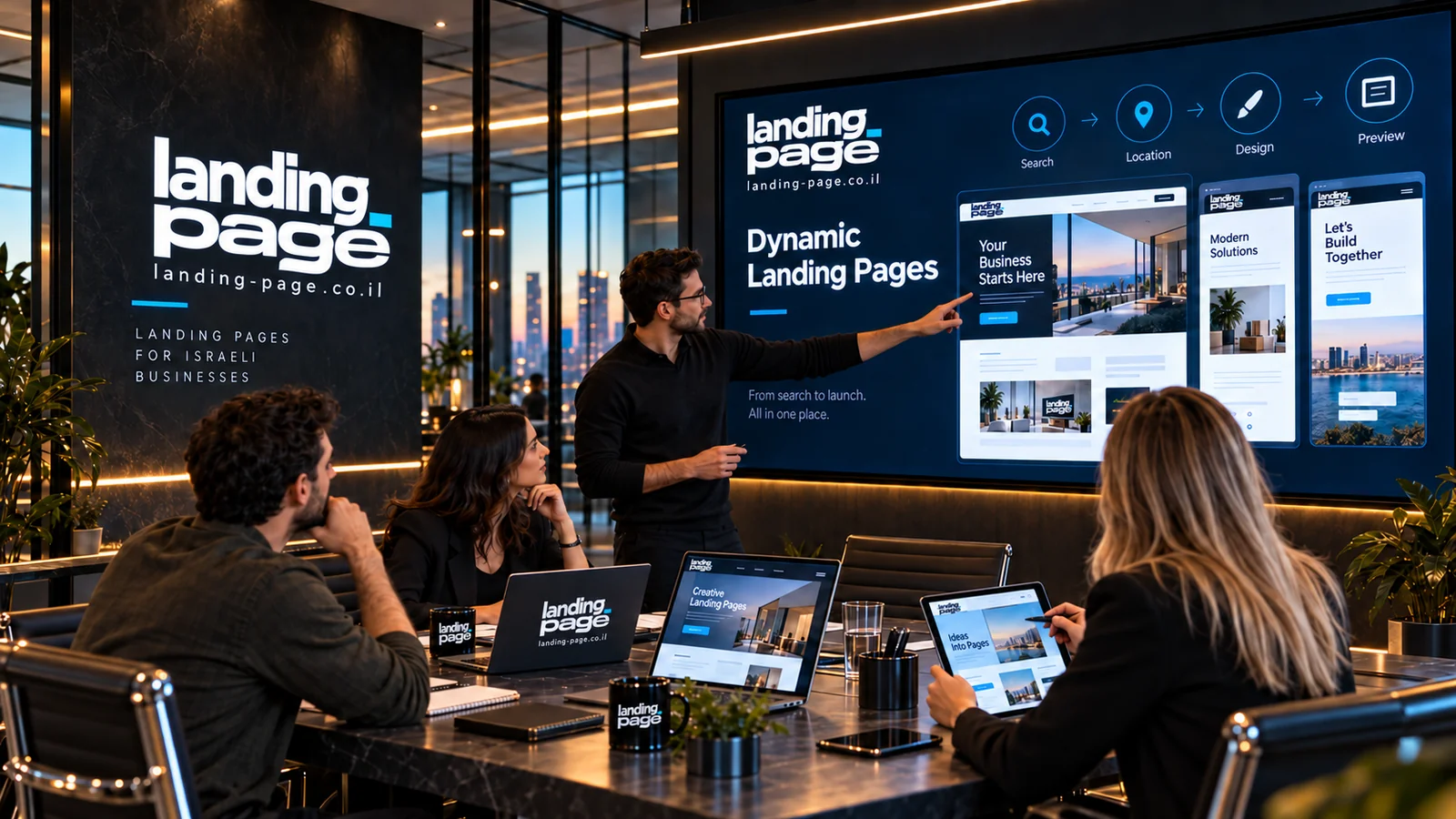
Illustration of a landing page planning session with audience-specific versions on a screen05 / Strategy

A business objective before a color choice.

Start with the audience, offer, and customer questions. Build design and development on those decisions.

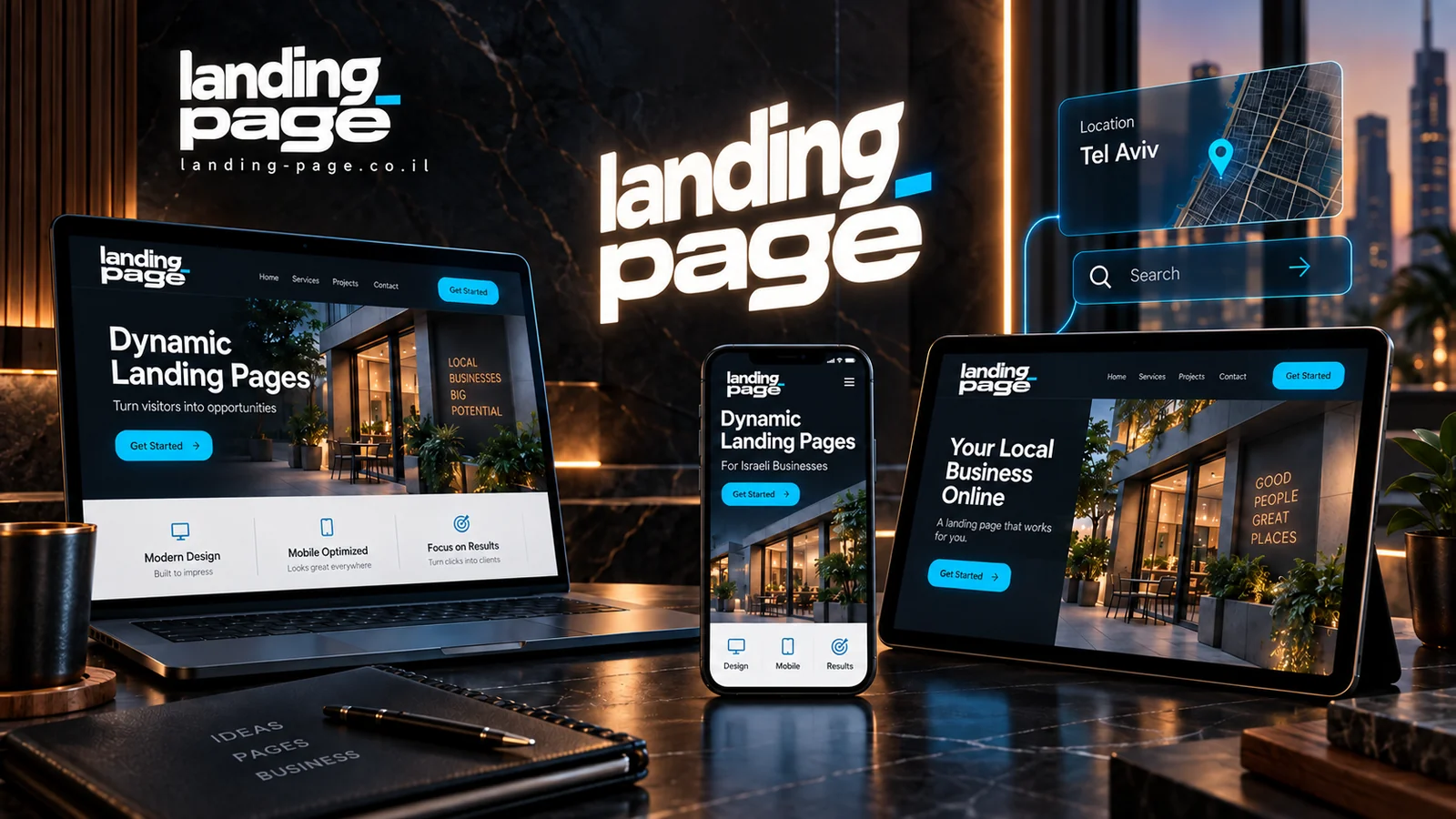
Illustration of a dynamic landing page on desktop, tablet, and phone beside a location map06 / Adaptability

An experience that knows how to change.

Define approved content variants, test the connections, and maintain a consistent brand in every scenario.

AI-generated brand visualizations illustrating the design language. They do not depict actual offices, employees, or client results.

THE CONVERSION PLAYBOOK

What turns a page visit
into a business inquiry?

06 decisions working together

A conversion-focused page helps customers understand the offer, feel confident, and take the next step. Content, design, and technology should support the same decision.

This is how we approach landing page development and conversion improvement, from the first message to lead quality.

01

Messaging that matches search intent

Am I in the right place?

The first screen should confirm that the service fits the visitor's need. If the ad promotes door unlocking in Haifa, the headline, explanation, and action should continue that topic. Dynamic pages adapt to approved services and areas while retaining a complete default when context is unavailable.

How does this work on the page?

  • State the service, intended audience, and actual coverage clearly.
  • Keep the offer consistent from ad to headline to content to form. A campaign keyword is not necessarily the exact phrase the visitor typed.
Implementation example

Door unlocking in Haifa: describe the problem, assess suitability, and arrange a visit based on availability.

What should you check?

Compare inquiries by service, city, and source. Look for gaps between the ad's promise and the questions customers ask on calls.

Google's guidance on matching ads and landing pages
02

A value proposition people understand

What do I get, and why does it fit me?

A strong value proposition describes a relevant benefit and explains how it is delivered. Clarify what the service includes, what the customer needs to provide, and what happens after contact. Visual hierarchy should lead from need to solution, through evidence, to the next step.

How does this work on the page?

  • Give each section one purpose and present important information before secondary details.
  • State an advantage you can support: an organized process, relevant expertise, or defined scope. Include conditions that affect the decision.
Implementation example

For a cylinder-replacement page: check door compatibility, explain options, and arrange the work in advance.

What should you check?

Ask someone unfamiliar with the business to read the opening and explain the offer and next step in their own words.

03

Trust built on genuine evidence

Why should I feel confident reaching out?

Before sharing details, visitors need to know who provides the service. Relevant work, attributable customer testimonials, and a clear process help them evaluate the business. Put evidence beside the claim it supports so customers do not have to search for it.

How does this work on the page?

  • Show projects with their challenge and solution, using authorized images and quotes.
  • Explain who responds, why details are requested, and what is included. Label illustrations and publish performance claims only with evidence and measurement context.
Implementation example

Alongside mobile design services, show a real project and explain how its form was planned for smaller screens.

What should you check?

Collect recurring concerns from sales conversations and check whether the page answers them with appropriate evidence.

04

A clear action and a purposeful form

What do I need to do now?

Every form question should help with follow-up. A short form may suit a simple service; a multistep flow can clarify service, location, or customer type. Choose around the need and let people move back and forward without losing answers.

How does this work on the page?

  • Write the button around the expected action: request an estimate, arrange a call, or check suitability.
  • Identify optional fields, explain errors, and preserve details if submission fails. Show success only after receipt is confirmed.
Implementation example

“Request an introductory call,” with a short explanation: leave your details so we can contact you and discuss your needs.

What should you check?

Check where people stop, which fields trigger errors, and whether the answers help the team.

GOV.UK principles for planning form questions
05

A comfortable, stable, fast mobile experience

Is it easy to read and act on a phone?

On smaller screens, spacing, text size, and layout stability affect usability. Keep the main action accessible, prevent the keyboard from hiding important fields, and avoid image-loading shifts. Motion should support understanding and respect reduced-motion preferences.

How does this work on the page?

  • Size images for their display, reserve their dimensions, and defer nonessential media.
  • Test devices, screen widths, keyboard navigation, contrast, and error messages. Combine lab checks with real-user data.
Implementation example

Core Web Vitals targets for a good experience: LCP at or below 2.5 seconds, INP at or below 200 milliseconds, and CLS at or below 0.1 at the 75th percentile of visits. These are industry thresholds, not measured scores for this site.

What should you check?

Use PageSpeed Insights and available field data to identify bottlenecks. Good loading performance supports the experience but does not guarantee a particular conversion rate.

Official metrics and thresholds on web.dev
06

Measurement that reaches lead quality

Is the page attracting the right customers?

Define success before optimizing: a received inquiry, qualified lead, appointment, or sale. LEADER integration can attach answers and available source data. Sales-team updates complete the picture of what happened next.

How does this work on the page?

  • Distinguish button clicks, form starts, and received submissions. Handle duplicates and spam using consistent rules.
  • Define an A/B hypothesis, choose a primary metric, and randomly assign visitors to versions. Avoid early conclusions from a few inquiries.
Implementation example

Example hypothesis: explaining what happens after submission will reduce uncertainty. Compare completion rates while also checking whether the leads fit the service.

What should you check?

Plan sample size and test duration around traffic, baseline conversion, and the change you want to detect. Before-and-after comparisons alone can be affected by seasonality and audience changes.

DEFINE SUCCESS FIRST

Define success.
Then measure it.

A conversion rate means something when you know what was counted, who visited, and what happened after the inquiry.

Conversion rate
Received inquiries ÷ visits × 100

Compare periods or versions using the same definitions of a visit and inquiry. A button click alone is not a received inquiry.

Qualified lead rate
Qualified inquiries ÷ all inquiries × 100

Define fit with the sales team: services, locations, and needs the business can meet.

Cost per qualified lead
Media spend ÷ qualified inquiries

Match spend and leads to the same source and period. Report setup, management, and software costs separately.

There is no universal conversion rate for every business.

Industry, source, price, urgency, and the conversion definition affect results. Start with reliable measurement, identify a real obstacle, and test a focused change. The goal is more relevant inquiries and a better process for customers and the business.

Read the complete conversion guide
Interactive conversion calculator

Same budget.
See the difference.

THE CONVERSION EFFECT / 01

What happens when more visitors become inquiries?
Move the slider, choose a scenario, and explore the numbers. This example uses Israeli shekels (ILS).

01 Enter02 Compare03 Understand

Your inputs.

Try a scenario

Illustrative values. You can enter your own conversion rate.

The difference, right in front of you.

Live calculation
Current performance2%
20monthly inquiries
Cost per inquiryILS 250
Your selected scenario4%
40monthly inquiries
Cost per inquiryILS 125
With the same media budget20 additional inquiries
50%lower cost per inquiry

A 2-percentage-point increase in conversion rate. ILS 125 less in media cost per inquiry.

Illustrative scenario only—not a forecast or performance promise.Inquiries = visits × conversion rate. Cost per inquiry uses media spend only, excluding setup and management.

The page is live. Now the learning begins.

From click to inquiry.
From inquiry to insight.

The calculator shows what could change numerically. The process shows how to investigate it in practice: consistent measurement, sales feedback, and changes you can explain.

  1. 01

    Establish a baseline

    Count visits and received inquiries, and define the conversion. Separate a clicked button from an inquiry actually received.

  2. 02

    Understand lead quality

    Identify which inquiries fit the service and location, who was reached, and what stopped others from progressing. Connect page data with sales feedback.

  3. 03

    Test a focused change

    Form a hypothesis about a headline, explanation, evidence, or form. Choose the metric, audience, and comparison method, and record campaign changes.

  4. 04

    Learn and update

    Review sufficient data and downstream outcomes. Adopt a useful improvement or document the learning and choose another test.

The business scorecard

Beyond how many reached out.
Understand what happened next.

Consistent definitions reveal where to focus. More inquiries are a start; service fit and effective follow-up complete the picture.

Inquiry rate
Valid inquiries relative to measured visits
Lead quality
Fit with the service, area, and customer type
Cost per qualified lead
Media spend relative to qualified inquiries
Sales progression
Contact, meetings, and outcomes recorded in the CRM
Read the complete conversion guide
Choose what fits the business

The right choice starts
with your business needs.

A standard page can work very well for a single offer. With several services or locations, dynamic personalization manages different messages within a shared framework.

What are we comparing?Standard landing pageDynamic landing page
Headline and messageOne message for all visitorsMessaging based on predefined scenarios
LocationA general coverage descriptionLocal content based on available context or selection
Search intentOne primary offerAdaptation across services and intents
Forms and CRMIntegration and measurement are possiblePersonalization context can also be passed along
MaintenanceRelatively simple with few versionsRequires management and testing of personalization rules
SEOBuilt on useful content and sound structureAlso requires a complete default and canonical URL planning
Beautiful on the surface. Thoughtful underneath.

Behind every strong impression
is a strong foundation.

Design, content, and development should work together. We plan pages for comfortable reading, the customer's device, and ongoing content and measurement work.

01

Content people and search engines can understand

The page includes complete default content without a keyword or city. Clear headings organize services, benefits, and questions, written for people making a decision.

A primary heading, content structure, and internal links
02

Mobile gets real attention

Test every headline variant, the reading order, and forms on narrow screens. Keep text readable, buttons accessible, and corrections possible without starting over.

Responsive layouts, readability, and comfortable interaction
03

Performance that supports the experience

Size images appropriately, reserve media space during loading, and use motion purposefully. Test responsiveness and layout stability too.

Optimized media, deferred loading, and layout checks
04

An organized foundation for organic search

Define page titles, descriptions, a sitemap, and preferred URLs for similar content. Expert guides and service pages add depth around real customer needs.

Metadata, sitemap, and internal linking plans

Dynamic personalization can make an experience more relevant. Organic growth also requires useful content, maintenance, and ongoing work. The foundation supports that process without guaranteeing rankings or a particular conversion rate.

Build a foundation for SEO
BLUEMEDIA24 / EXPERTISE

Six areas of work.
One business objective.

From planning to lead follow-up, these are the disciplines we connect. Deliverables, integrations, and support are defined in a written proposal.

01STRATEGY

Strategy that starts with the business

Define the services to promote, ideal customers, and the change the project should support.

A clear direction before design begins
02MESSAGE

Content that answers the right question

Write headlines, answers, and examples around the need that brought the customer to the page.

An offer people can understand and evaluate
03EXPERIENCE

Design that guides action

Connect visual design, hierarchy, and mobile layouts so visitors can understand, engage, and inquire.

A clear experience on every screen
04DEVELOPMENT

Development that adapts the message

Define service and location scenarios, then test personalization and form behavior.

A dynamic page built to the agreed scope
05CONNECTION

Inquiries arrive with context

Map business details, needs, and available source information into your lead-management system.

Less repeated discovery on the first call
06MEASUREMENT

Define what makes a good lead

Separate clicks, received inquiries, and business-fit leads to understand what needs improvement.

A measurement plan connected to sales

Want to understand what your project really needs?

The difference is in how we work.

You bring the business.
We connect the pieces.

Building a page you can stand behind requires understanding the service, the customer, and the details. That work connects impressive design with a useful business tool.

Listen before designing

Understand what sets you apart.

What customers ask, why they choose you, and where they hesitate become the messaging, content, and presentation of your offer.

See the whole journey

Connect design with sales.

The ad, page, form, and first conversation should speak the same language. Plan what information moves between them so customers and the team can progress easily.

Show work people can evaluate

Make decisions around the details.

Review structure, copy, and screen layouts together. Check that the service is clear, promises are accurate, and form questions support the process.

Leave room to grow

Build a foundation for the next step.

A new service, another location, or improved messaging should fit the existing structure. Define content and components that can expand with the business.

Read our clients' experiences
Good questions

Glad you asked.

What to know before we begin.

01What is a dynamic landing page?

A dynamic landing page presents approved content variants based on context: a campaign keyword, city, service area, or visitor selection. Design remains consistent while the headline, explanation, and call to action can change. The goal is continuity between the ad and page, helping customers recognize a relevant service.

02Does the page know exactly what I searched on Google?

Not on every visit. Organic search generally does not reveal the visitor's query to the site. Paid campaigns can pass parameters such as the keyword that triggered the ad, which may still differ from the exact search. We use approved variants and a default version rather than claiming to identify every query.

03How does location personalization work?

It can use a city passed in the campaign link, an explicit visitor selection, or an approximate location where supported. Location estimates are not always accurate. This site allows manual city selection and recognizes approved city parameters. It does not use GPS without a visitor's action and permission.

04Can a dynamic landing page improve conversion rates?

Relevant personalization can reduce the gap between expectations and the page, but no fixed improvement is guaranteed. Traffic quality, pricing, offer, speed, and follow-up also affect results. Measure the impact under comparable conditions and include lead quality in the assessment.

05How is a landing page different from a business website?

A business website presents the broader company, usually with several services and browsing paths. A landing page focuses on a particular offer and action. They can work together: a website builds trust and expertise while dedicated landing pages serve campaigns and search intents.

06Can a landing page rank organically on Google?

Yes, when it is crawlable, offers useful original content, and answers the search intent well. Dynamic pages also need complete default content. Campaign personalization does not replace SEO work on content, links, performance, canonical URLs, and Search Console monitoring.

07What information goes into LEADER?

Name, phone, email, business name, service area, and questionnaire answers. Available source and campaign details are also included. Mapping connects them to the appropriate LEADER fields. Information is submitted only when the visitor sends the form and agrees to follow-up about the inquiry.

08Can it connect to an existing campaign?

We can plan around existing ad groups, keywords, and service areas. Before changing destination URLs, we check conversion tracking, campaign parameters, the default version, and form behavior. Scope depends on the campaign structure and connected systems.

09How much does a dynamic landing page cost?

Pricing depends on personalization scenarios, content and design scope, integrations, and measurement requirements. Planning separates page development, hosting and maintenance, media spend, and campaign management. Once the need is clear, we provide an organized scope and proposal.

10Who is this service for?

Businesses with distinct services, audiences, or territories: home service professionals, professional firms, local businesses, brands, and companies serving several customer types. With limited traffic or a simple single offer, a focused static page may be the better starting point.

LET’S MAKE IT RELEVANT.

Your next step
starts with a conversation.

Tell us what you offer, to whom, and where.
We will get to know the business and build a direction that fits.

Two short steps · We will contact you to arrange a call
The Landing Page brand repeated in perspective against a black background
Landing Page Start with a conversation
Step 1 of 2
  1. 1Your business
  2. 2Let's connect

First, tell us about your business.

Three quick details to help us get to know you.

Business details
How do we use your information?

You voluntarily provide these details to Landing Page by Bluemedia24 so we can respond and plan your service. They are stored in our website systems and sent to LEADER to handle your inquiry. You are not legally required to provide them, but we need the required fields to process this form. You may request access to or correction of your information. Contact +972-77-997-4482 · Privacy policy and operator details. Submitting this form does not subscribe you to marketing emails.

Brand visualization: illuminated Landing Page logo on a dark wall beside windows overlooking a city at sunset
STUDIO COLLECTION

A visual language that stays with you.

AI-generated brand visualization

01 / 06