A click already carries context. The visitor expressed a need, saw an ad and chose to arrive. Continuing that conversation makes fit and next steps clearer. This guide focuses on search campaigns; other campaign types may provide different context and brand exposure.
Group searches by need, not just wording
“AC repair” and “new AC installation” describe different needs. Group services and intents around a shared message. For each, define the first question, offer, evidence and next step. Build around needs you can answer rather than automatic keyword substitutions.
Distinguish research, comparison and service requests. Not every visitor is ready to leave a phone number immediately. Some need a short process or options explanation first. Involve the people handling inquiries; they know which questions recur.
For U.S. home service businesses, search-to-page relevance belongs within a broader plan. Explore our U.S. advertising and marketing service to see how industry, channel, messaging and qualification connect.
Make the ad and page deliver the same promise
The opening headline, image and offer should confirm that visitors reached the right place. A pergola-installation ad should not drop people into a generic remodeling pitch. Introduce related services later, after addressing the reason for the click.
When studying landing page examples, examine that continuity. Strong photography helps when it shows the relevant service or outcome. Price, timing and coverage promises must hold up in the page and in actual follow-up.
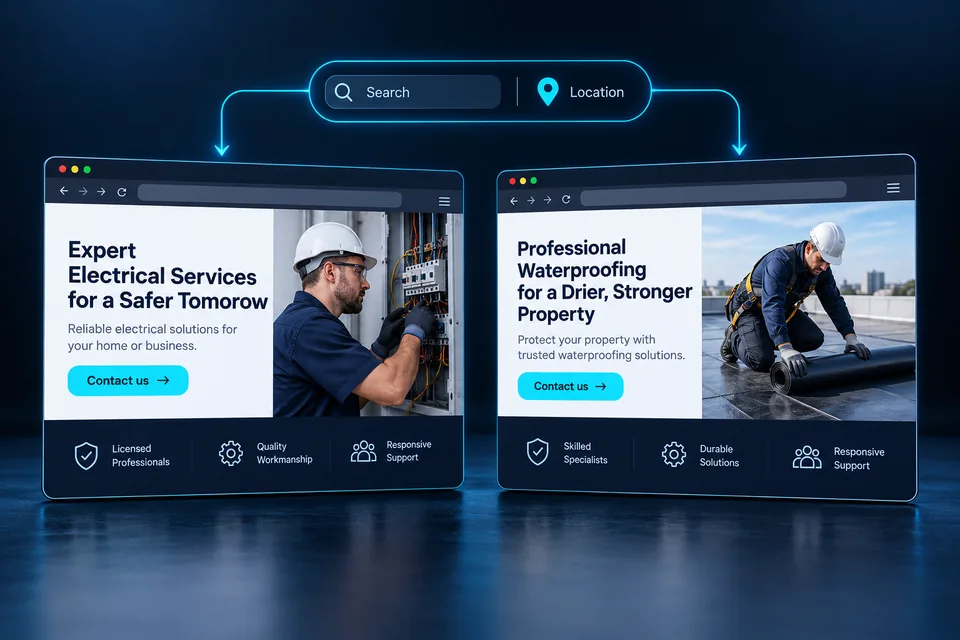
 From ad to landing page
An ad sets an expectation. The page's image, headline and offer should continue that conversation and make the next step clear.
Personalize through approved rules
A service identifier in the link can select a prewritten headline, explanation and image. Google Ads' {keyword} ValueTrack parameter may return the matched account keyword—not necessarily the search query—and can be empty. Always provide a complete, useful default.
Never paste arbitrary URL text into a promise. Define allowed values, fallback content and tests for stale or invalid links. Our dynamic landing page guide covers the planning. The page must stay useful even when keyword information is unavailable.
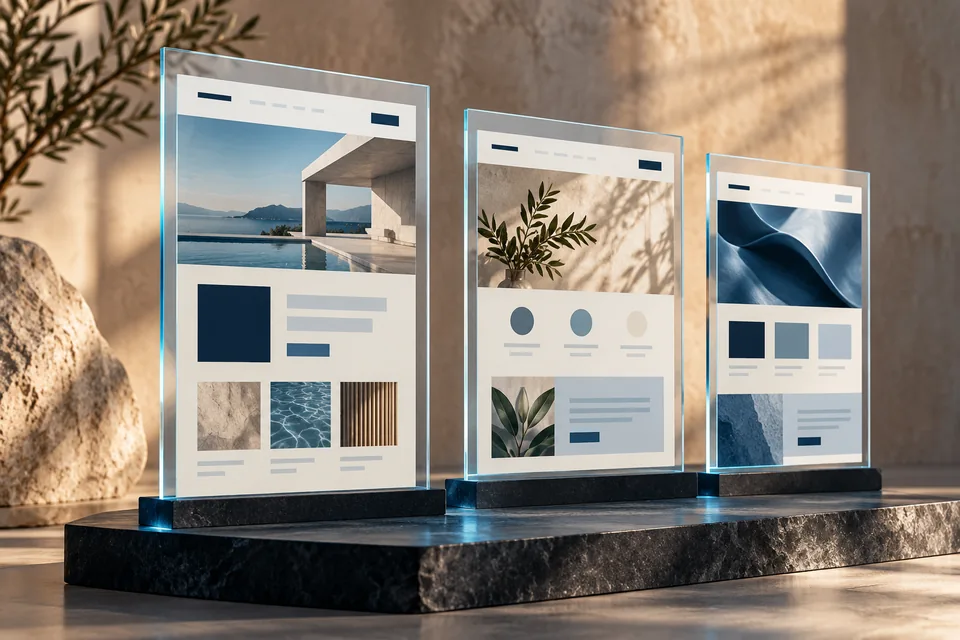 Dynamic personalization
Headlines, images and calls to action adapt together according to a predefined content scenario.
How does intent change the opening?
An illustrative installation business. Every version stays within services the business actually provides.
A new air conditioner, sized for your space.
Explain planning, installation type and the information needed for an estimate.
Replacing an existing AC? Start with a fit assessment.
Explain what you need to know about the existing system and infrastructure.
What should you ask before installing an AC?
Help visitors arrive at the conversation with the right questions.
Illustrative scenarios. Adapt them to your business's actual offer.
Location is context, not a confirmed service address
Someone at an office in one city may arrange installation at home in another. Estimated location must not become an automatic service promise. Use actual coverage rules and allow corrections. If an area is unsupported, explain and offer a coverage check.
For trade and home service landing pages, adapt service and city information within actual operating limits. A law firm landing page likewise needs relevant practice and location information without invented local offices. See our service-area personalization guide.
 Service areas
Service areas should reflect where the business actually operates and where the customer needs help.
Support decisions and mobile use
Put fit information before the form: the service, inclusions and what is needed to start. Use an accurate button and matching confirmation. A discovery request is not a confirmed booking. Check that floating elements do not cover phone links or forms.
Google includes landing page relevance and usefulness in Quality Score diagnostics. The score is diagnostic, not a business metric or direct auction input. It does not guarantee that page changes lower CPC. Read the official Quality Score explanation and our mobile performance guide.
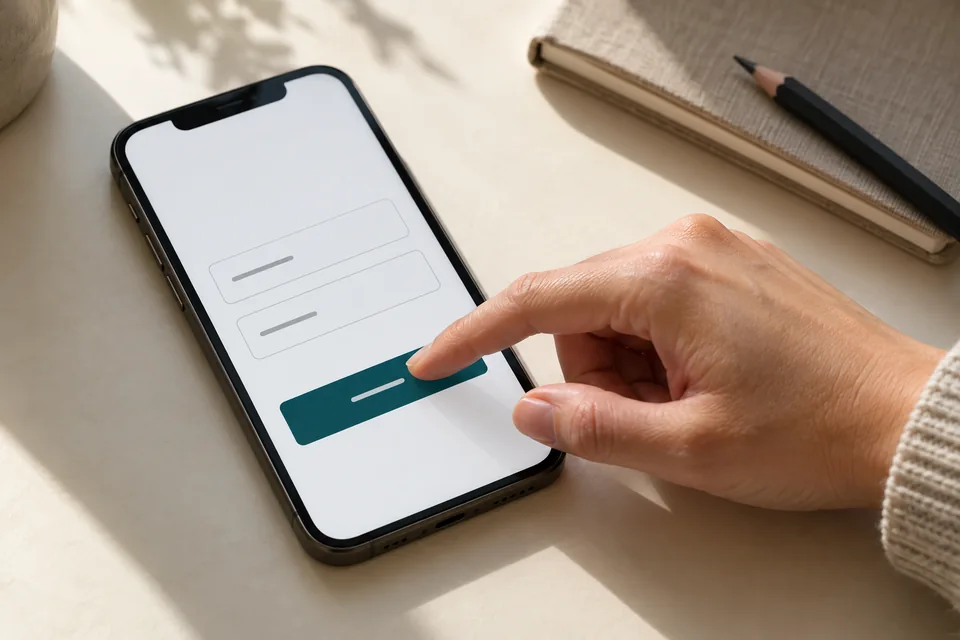 Mobile forms
Start with the information needed for the next conversation. Mark optional fields, explain what happens after submission and make buttons easy to tap.
Define conversions that represent real inquiries
A button click differs from a server-confirmed submission. Define each event and avoid duplicate inquiry counting. Preserve source and selected service in the lead system to assess fit and subsequent conversations. Keep names, numbers and personal content out of analytics labels.
Track qualification alongside cost per inquiry. If ILS 1,000 produces ten inquiries and five qualify, cost per qualified inquiry is ILS 200. This is a calculation example, not a result or target. Cheap submissions can still mask an ineffective journey.
 Measurement & conversion
Separate visits, actions and qualified inquiries to identify what really needs improvement.
Improve through one clear hypothesis
If service fit is weak, test clearer service messaging. If forms are abandoned, investigate questions and functionality. Simultaneously changing imagery, pricing, forms and targeting obscures causes. Record the launch date, comparison window and qualification definition before reviewing results.
With few leads, usability observations and sales-team conversations may reveal issues faster than an underpowered test. Our conversion optimization guide provides a framework. Compare quality as well as rates and keep follow-up consistent.
Hand over the page with the campaign map
Include service groups, ads, destination URLs, operating areas and lead-system integrations in the brief. Test direct visits, parameterized links, unknown values and forms for every variant. Campaign managers should know what each destination promises.
Our dynamic landing page development connects content, design and the inquiry journey. A page is part of a system that includes traffic and the offer. Evaluate its impact through evidence rather than promising outcomes in advance.
Ready for the next step?
Check off what you already have. This checklist stays on this page; selections are not submitted or saved after a refresh.
Common questions
Will a dynamic page necessarily lower CPC?
No. Many factors affect click prices and performance. A relevant page is designed to improve the experience and inquiry journey; cost effects need measurement.
Can we know exactly what a visitor searched for?
Not on every visit. A keyword parameter is not necessarily the search query. Use reliable, available context and maintain a complete default page.
Do we need a page for every keyword?
Start with groups of related needs. Separate pages make sense for distinct offers or content, not minor wording differences.
Images in this guide were created with AI for illustration. They do not depict actual clients, team members or campaign results.