

Visitors to a medical practice page often want to know who will see them, where the office is and what the first conversation involves. A useful page answers calmly and clearly, without pressure or sweeping treatment promises. This guide addresses page design and the inquiry experience, not medical advice.
Define what visitors can do on the page
Distinguish getting information, requesting a scheduling callback and booking an available appointment. They are different actions. A “Book now” button that only collects a phone number can imply a confirmed appointment. “Request an appointment” accurately signals that staff will follow up to arrange a time.
Describe a specific service in terms patients understand, with the provider's approval. Reading about a treatment does not establish suitability. The page should make an inquiry easier, not diagnose someone through a headline or marketing questionnaire.
Present your team and credentials accurately
A name, role and original photo help visitors meet the person behind the service. Use verified, approved qualifications and practice descriptions. Superlatives and unsupported promises cannot replace accurate information.
Explain who handles inquiries, what visitors may need before an appointment and how to ask administrative questions. Our guide to communicating professional differentiation shows how to turn real processes into useful information, with wording appropriate to your profession.
 Planning & setup
A shared brief connects business goals, audience needs and project deliverables.
Answer questions before the first inquiry
Collect questions staff hear regularly: how to schedule, where to go, whether a referral is needed and what to clarify before visiting. Keep answers current and approved. Clinical content should be written or reviewed by the qualified professional, not copied from another marketing page.
Separate general explanations from individualized conclusions. Describe a first call or visit according to your actual process without predicting treatment outcomes. Respecting the reader's judgment can itself make the page more persuasive.
What next step does the page offer?
Examples of clear administrative language. This demo does not assess treatment suitability.
Meet the team and understand how to get in touch.
Show approved roles, location details and process information before asking for contact details.
Leave your details. We'll find a time together.
Make clear that this is a request, not a confirmed appointment.
Choose from the available appointment times.
Only a connected scheduling system can confirm actual availability.
Illustrative scenarios. Adapt them to your business's actual offer.
Create a welcoming impression with authentic photography
Photos of the entrance, reception and office help visitors picture their visit. Original team photos build familiarity. You do not need a page full of treatment close-ups to look professional. Choose each image for the question it answers and the audience's sensitivities.
Do not present illustrative imagery as actual staff or patients. Patient photography and before-and-after images require appropriate permissions and professional review before publication. Our AI landing page guide explains the distinction between illustration and evidence.
Keep the inquiry form separate from medical intake
For a scheduling request, start with the name, contact method and preferred callback time your practice needs. If a service selection is necessary, ensure it is not automatically sent to advertising tools. Do not invite medical-document uploads through a general marketing form.
If medical information is needed, staff should direct the patient to the designated channel. Tell visitors that a free-text field does not need medical details at this stage. Keep message content and sensitive information out of analytics events. Landing page development should separate administrative scheduling from clinical intake.
Scroll horizontally to compare
| Stage | Purpose | Presentation |
|---|---|---|
| Exploring the page | Understanding the service and team | Approved content and practice details |
| Request an appointment | Enabling a callback | Minimal contact details and an explanation of next steps |
| Professional assessment | Information needed by the provider | The channel and process designated by the practice |
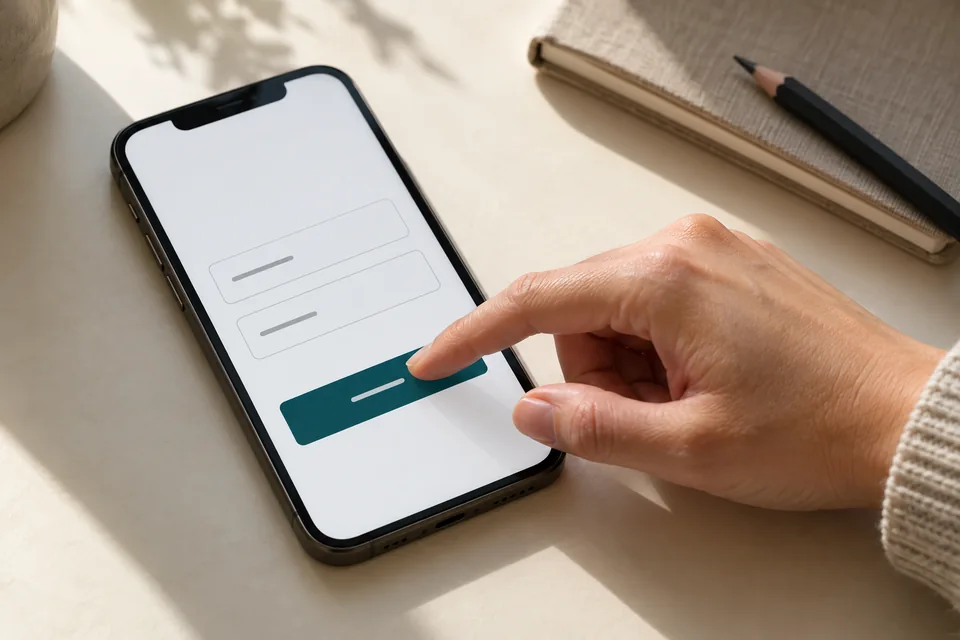 Mobile forms
Start with the information needed for the next conversation. Mark optional fields, explain what happens after submission and make buttons easy to tap.
Make location, directions and contact options clear
A clear address, directions and verified accessibility details can reduce uncertainty before a visit. For multiple locations, let visitors select the office and show the services actually available there. A device's location is not necessarily where someone wants care.
Our city and service-area personalization guide explains how to offer a choice without treating an estimate as fact. If you offer WhatsApp contact, define its administrative purpose according to practice policy. Do not preload messages requesting sensitive documents.
 Service areas
Service areas should reflect where the business actually operates and where the customer needs help.
Use reassuring language in your campaigns too
Keep ads and landing pages consistent. Avoid exploiting fear or embarrassment to rush an inquiry. Introduce the service, team and assessment process, and allow readers to understand. Have the responsible professional review wording and assets against the rules for the specialty and advertising channel.
Choosing a social lead form or a detailed page depends on how much explanation is needed and how follow-up works. Our lead generation journey comparison covers the business planning. A practice must also consider what information is collected and transferred between systems.
 WhatsApp & conversations
A clear opening and organized response help establish what the person needs. A click alone does not mean a message was sent.
Measure the scheduling experience
Check whether requests arrive, staff can reach people and recurring administrative questions reveal gaps in the page. Measuring this process does not require sending treatment details to ad platforms. Use aggregate reporting and settings approved through the practice's privacy process.
A medical practice landing page brief should include approved services, provider details, authorized photos, locations and the scheduling process. For multiple specialties, our landing page versus business website guide helps choose the structure. Help visitors make informed contact while keeping marketing and care clearly separated.
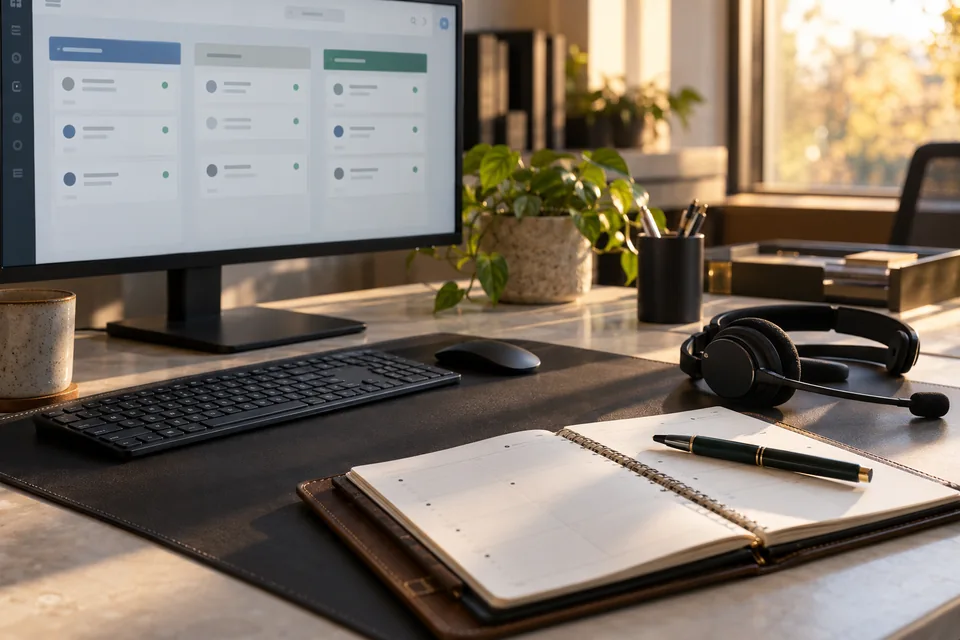 Inquiries & follow-up
Connect each inquiry to its source, assign follow-up ownership and track qualification and the next conversation.
Ready for the next step?
Check off what you already have. This checklist stays on this page; selections are not submitted or saved after a refresh.
Common questions
Should the page list every treatment?
Not necessarily. Focus on the campaign's service or audience and link to additional information. Professional content needs appropriate approval.
Should the first form ask for a medical history?
A marketing appointment form should start with necessary administrative details. The practice should designate a suitable channel and process for any medical information it needs.
Can a stock doctor photo represent our team?
Do not imply that someone outside your team provides your services. Clearly labeled illustrative images may be appropriate; original, authorized photography is better for introducing the practice.
Images in this guide were created with AI for illustration. They do not depict actual clients, team members or campaign results.