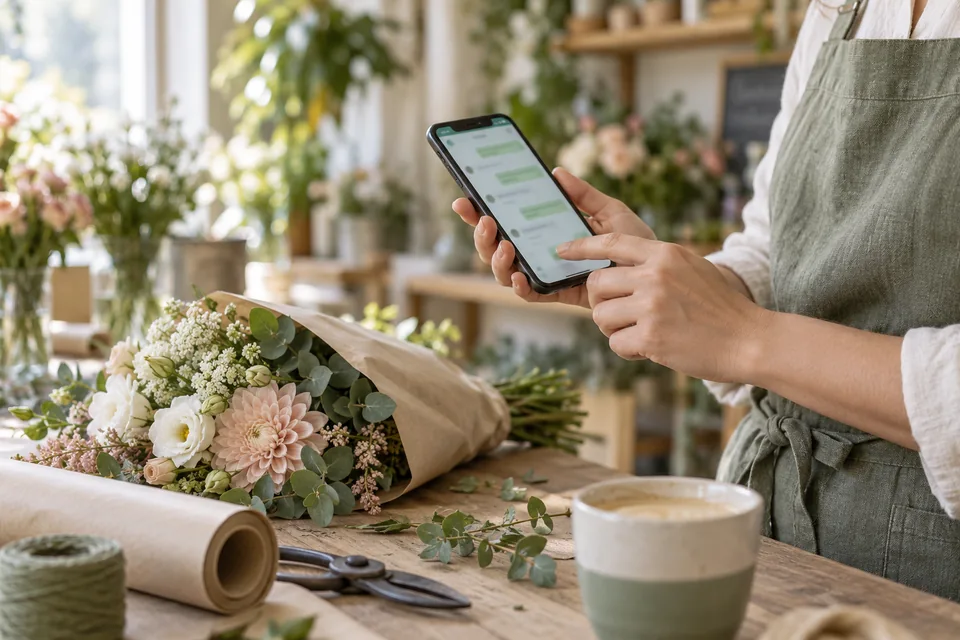
For audiences who use WhatsApp, its button can make starting a conversation easy, especially on mobile. But a click is not a sent message, and a message is not necessarily a qualified inquiry. A professional page explains the topic, useful details to include, and what happens once the conversation begins.
When is messaging the right first step?
WhatsApp works when a short exchange can start the process: a service request, a fit question, or scheduling. It can help when a few sentences explain a need better than form selections. Purchases with terms, event registrations, or structured information collection may need a different flow. Choose the channel your audience actually uses.
Consider the team's capacity. If nobody manages messages throughout the day, a prominent promise of an immediate response creates an expectation you cannot meet. Show business hours and offer a callback form. Operating the channel matters as much as its placement.
 Service businesses
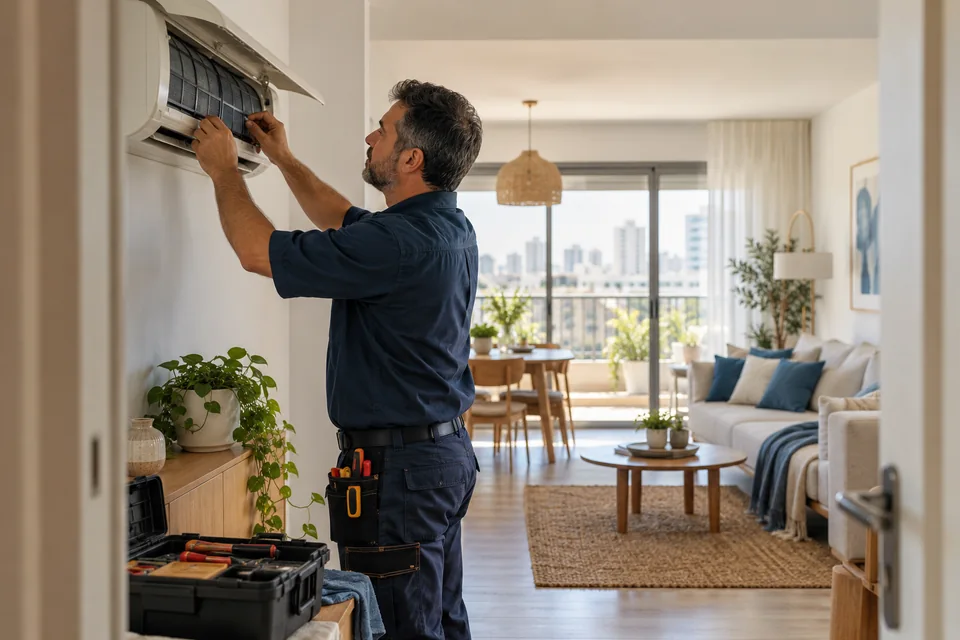
Images showing the work help customers understand what you do. For real projects, prioritize original photography from the field.
 Mobile forms
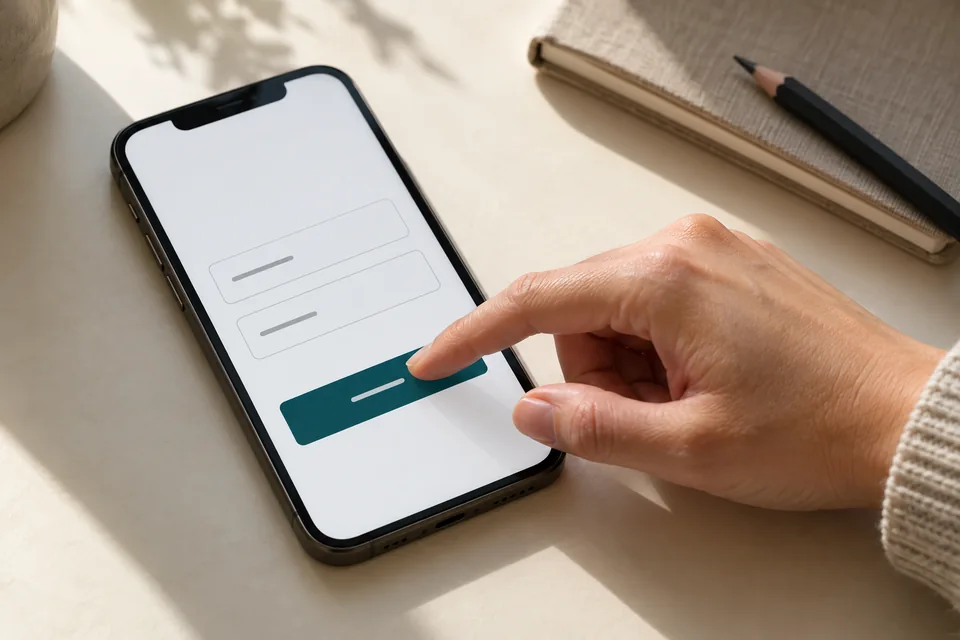
Start with the information needed for the next conversation. Mark optional fields, explain what happens after submission and make buttons easy to tap.
Prepare an opening message that saves time
A draft such as “Hi, I saw your pergola installation page and would like to discuss my project” gives the representative context while letting the visitor edit before sending. Do not add details the person has not approved or create a long message that behaves like a hidden form.
The WhatsApp Click to Chat documentation explains links using an international-format number and optional prepared text. Test on both mobile and desktop. Never include sensitive information in a prepared message or assume opening the chat has sent it.
How will the conversation begin?
Prepared message examples customers can edit before sending.
Hi, I'd like to discuss a pergola installation project.
A short message provides context and leaves room for a personal question.
Hi, I'd like to ask about the experience needed for this course.
The representative can address the actual concern instead of starting from scratch.
Hi, I'd like to find out how to arrange an introductory call.
The message does not imply that a time is confirmed before the business checks availability.
Illustrative scenarios. Adapt them to your business's actual offer.
Carry the selected service and location into the conversation
For multiple services, adapt the opening message to an explicit visitor selection or approved campaign link. Use a general message when reliable context is unavailable. An estimated device location is not a reason to add a city unrelated to the customer's need.
Home service landing pages can distinguish installation, repair, and general inquiries. Legal conversations require different sensitivity: a law firm landing page should invite contact without encouraging sensitive case details in an automatic message. Context works best when accurate and limited.
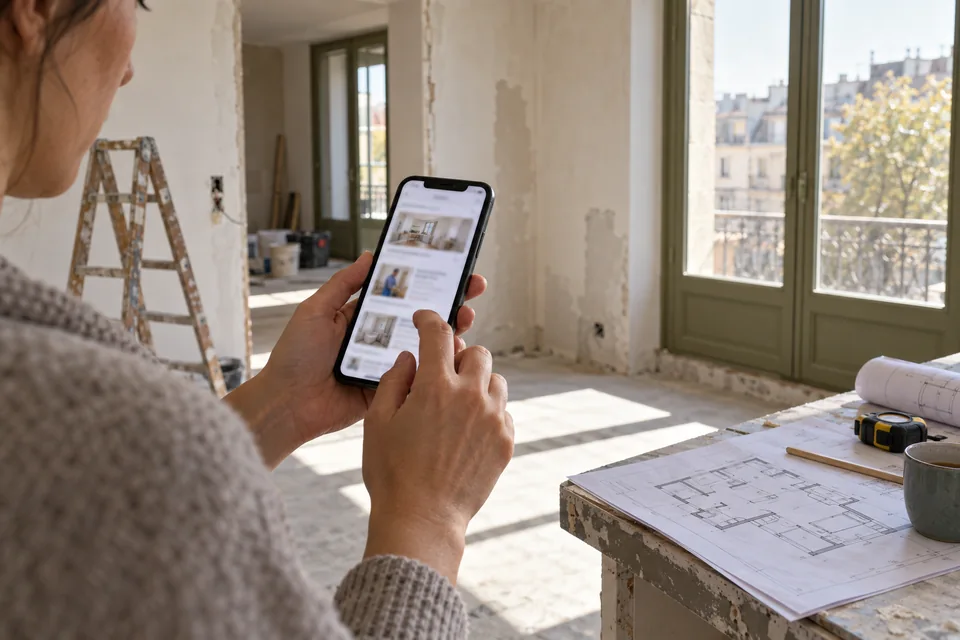 Search & intent
Search terms open a conversation. The page should explain how your service meets the need and where it is available.
Choose a primary action and a clear alternative
When a form and WhatsApp receive equal prominence everywhere, visitors must choose how to contact you before deciding whether to do so. Select a primary action that fits the business and offer an alternative channel. Explain what happens with each rather than presenting indistinguishable buttons.
Forms capture structured information and campaign context; messaging supports a flexible conversation. Both can work together if the team can handle them. Our lead form versus landing page guide compares advertising journeys by lead quality.
Scroll horizontally to compare
| Need | Possible approach |
|---|---|
| A quick question before deciding | WhatsApp with clear context |
| Information that must arrive in a consistent format | A short form with relevant fields |
| No team available to handle messages | A callback form with scheduling expectations |
| The customer prefers a voice call | A visible, accessible phone number alongside other options |
Define how the business handles messages
Assign response ownership, handoff procedures, and a process for out-of-scope inquiries. Prepare useful replies while allowing staff to read and respond to the actual need. An automatic opening that repeats every question the customer already answered makes the conversation feel unheard.
If documents, photos, or personal information are needed later, explain why and identify the appropriate channel. Do not automatically add someone to messaging lists because they contacted you once. Respect the context and preferences they expressed. A defined process also prevents duplicate messages and unnecessary follow-up.
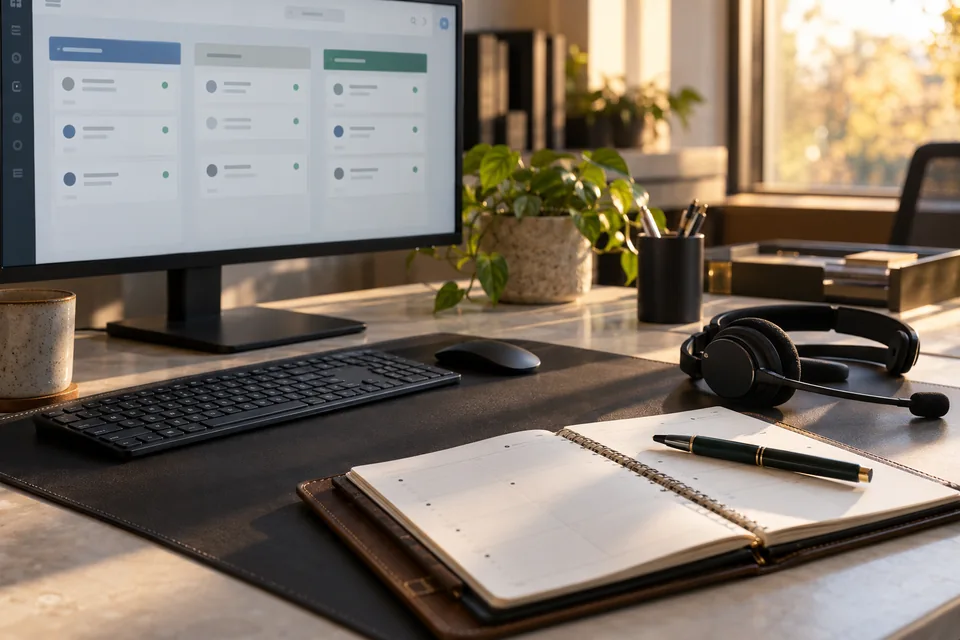 Inquiries & follow-up
Connect each inquiry to its source, assign follow-up ownership and track qualification and the next conversation.
Count conversations separately from clicks
A click event signals interest in the button, not proof that a message was sent. Separate WhatsApp opens, received conversations, and qualified inquiries. Some systems cannot connect every stage precisely. State measurement limitations instead of filling gaps with assumptions.
Where possible, record the service category and known source in your lead system without copying personal messages into analytics. Our conversion optimization guide explains why business outcomes matter beyond clicks. If clicks rise but conversations fall, inspect the link and opening message too.
 Measurement & conversion
Separate visits, actions and qualified inquiries to identify what really needs improvement.
Test the journey as the customer experiences it
Open the page on mobile and desktop, try buttons in different sections, and verify the number and message. Test from the app where your ads appear. Offer an alternative for people who do not want WhatsApp, and confirm the number belongs to the correct business channel.
When building a landing page, we plan the action alongside messaging and lead handling. A stalled conversation does not necessarily need a bigger button. Diagnosing a page that does not convert starts by finding where the journey becomes unclear and what would help visitors continue.
Ready for the next step?
Check off what you already have. This checklist stays on this page; selections are not submitted or saved after a refresh.
Common questions
Can I tell whether everyone who clicked sent a message?
Not from the website click event alone. Separate on-site measurement from received conversations and use the information available in your business systems.
Does WhatsApp replace a form?
Sometimes. Forms suit structured information and callbacks; messaging supports flexible questions. Choose based on the audience and your team's response capacity.
Should every page have a floating button?
Only if it helps without covering content or competing with a more important action. Check all floating controls together on mobile.
Images in this guide were created with AI for illustration. They do not depict actual clients, team members or campaign results.