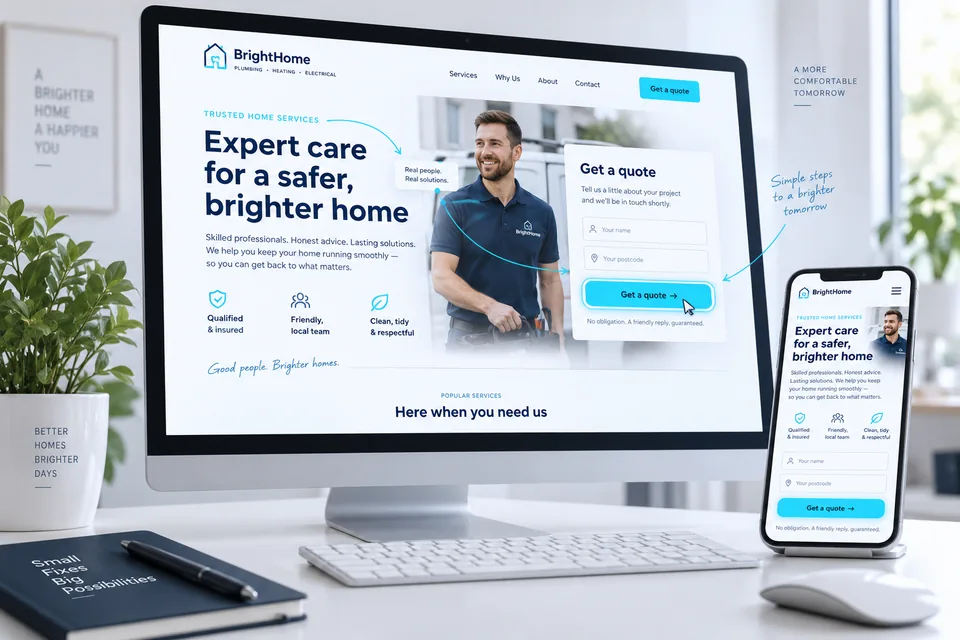

Landing page development turns a design into a working experience. Beyond headings and imagery, it covers devices, performance, forms, data transfer and failures. Our development process defines what happens from the first visit to the inquiry reaching your team. This guide helps business owners know what to request and how to evaluate it.
A page is not ready simply because it looks good in a browser. Check forms, received data, failure states and ongoing maintainability too.
Turn the brief into defined behaviors
Before coding, specify each component and action. Opening a form, scrolling and dialing require different behavior. Define required and optional fields, validation, submission confirmation and the data destination.
For personalization, document data sources, allowed values and missing-context behavior. An unknown city parameter should not appear unchecked in the headline. Use approved areas and useful default content.
- A component and action list for desktop and mobile.
- Approved content and versions for each scenario.
- Field mapping between the form and receiving system.
- Loading, success, offline and error states.
- Measurement events and precise success definitions.
Requirements vary by service. Our law firm demo shows practice-area and location changes. The trade-specific demo also shows imagery and offers adapting to different jobs.
Behind the design.
A system that works.
- In the browser
Content, interaction and visitor feedback
- On the server
Validation and request handling
- In the sales system
Capture, assignment and follow-up
Custom code or a platform: what fits?
Choose around content, integrations, the maintenance team and required flexibility. A CMS can simplify updates; custom development offers greater control. Neither alone guarantees speed, accessibility or conversions. Implementation and maintenance matter.
| Need | What to clarify | Why it matters |
|---|---|---|
| Regular content updates | Who edits and approves changes? | Keep the page current without unplanned dependencies |
| Dynamic personalization | Can the system manage rules and default versions? | Avoid broken or unapproved messaging |
| Sales handoff | How does it integrate with the current CRM? | Deliver information to the right destination |
| Maintenance & ownership | What is handed over, who pays and how does ownership transfer? | Preserve the ability to develop and update the page |
Clarify recurring costs, asset access and what happens if you stop working with the provider. The solution should support future phone-number changes, new services and failed-inquiry investigations as well as launch day.
Implement the design without compromising mobile use
Code must handle real content: long names, wrapped lines, mixed languages and keyboards reducing screen space. Use responsive components and semantic structure. Links navigate; buttons act. That distinction also supports keyboards and assistive technology.
Set image dimensions or aspect ratios to reserve space, and supply responsive sizes. Treat hero imagery differently from deep-page galleries. Load assets at the right time and preserve important product or branding details in crops.
Coordinate landing page design with focus states, open menus and validation. They should look and behave like parts of the same product.
 User experience
Plan the message, evidence and next action as one continuous experience across screen sizes.
Test loading, responsiveness and stability
Large images, numerous fonts and third-party components affect experience. Start with observable friction: time to the offer, button response and shifting fields. Fix measured causes rather than chasing one report score.
Core Web Vitals cover loading (LCP), responsiveness (INP) and stability (CLS). Good thresholds on web.dev are 2.5 seconds, 200 milliseconds and 0.1 respectively, assessed at the 75th percentile separately for mobile and desktop. Lab tests diagnose; field data reflects actual use. Web.dev metric definitions and thresholds
Our fast, conversion-focused landing page guide details images, code, fonts and testing. Assign performance ownership and retest after adding tools or content.
Reliable forms handle failures too
Browser validation helps visitors correct entries but cannot replace server validation. Check format, allowed fields and input lengths on receipt. Keep external-service credentials out of browser code. Client checks can be bypassed, as MDN explains. MDN: form data validation
Define behavior for double clicks, lost connections and unavailable integrations. Show a clear sending state and prevent unnecessary repeat actions. “Inquiry received” should reflect actual acceptance by the designated system, not merely a clicked button.
For purchases, verify payment outcomes too. Our checkout landing page guide covers the steps between payment initiation, confirmation and fulfillment.
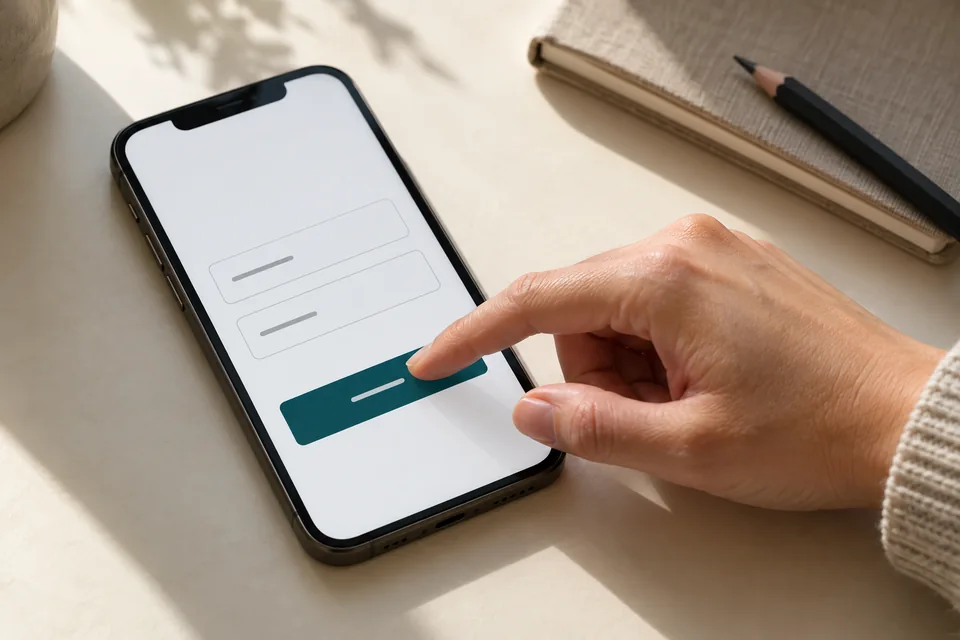 Mobile forms
Start with the information needed for the next conversation. Mark optional fields, explain what happens after submission and make buttons easy to tap.
Connect the page to lead follow-up
CRM integration starts with mapping names, contact details, services and locations to agreed fields. Campaign data can add context but may be incomplete. Define storage, access and customer explanations according to the business's privacy policies and settings.
Page views, form opens, accepted inquiries and follow-up progress are different events. Keep personal information out of URLs and event names. Agree on necessary data and duplicate-checking rules.
Our landing page development with CRM integration treats inquiries as part of sales. Form design, field mapping and team responsibilities need to align so the data stays useful after launch.
 Inquiries & follow-up
Connect each inquiry to its source, assign follow-up ownership and track qualification and the next conversation.
Build the technical SEO foundation
Give each distinct page a consistent URL, title, description and main heading matching its visible content. Make content and links crawlable, remove unintended indexing blocks and include relevant URLs in the sitemap. Structured data should describe what readers actually see.
Canonical tags can signal a preferred URL for very similar versions. They are not a way to collapse unrelated articles and do not guarantee Google's selection. Plan tracking and campaign URLs carefully. Google: choosing a preferred URL for similar content
Infrastructure enables access and understanding; it does not replace useful content or ongoing work. Our landing page system planning guide explains when a standalone page needs its own clear role.
Technical checks belong in a broader strategy. Our landing page SEO guide connects crawlable content, canonical URLs and relevant internal journeys.
 Content & SEO
Clear structure, useful content and relevant links create a sound foundation for search.
Define acceptance checks and handoff
Use testable acceptance criteria. Replace “a perfect page” with required screens, integrations and actions. Request brief documentation covering asset access, editing, recurring costs and issue ownership. Launch should leave you with a foundation you can maintain.
- Desktop and mobile layouts, including long text and keyboard navigation.
- Successful submission, field errors and connection failures with appropriate feedback.
- One inquiry captured without unintended duplication and with correct field mapping.
- Links, dialing and measurement tested against agreed scenarios.
- Titles, canonical URLs, sitemap and content availability.
- Performance checked after third-party tools are added.
- Asset access, backups or version control and maintenance instructions.
Retest relevant integrations after form, campaign or external-system changes. Start your landing page development project by separating launch essentials from later enhancements while preserving a reliable inquiry path.
Questions about landing page development
Is custom code always faster than a page builder?
No. Implementation, images, scripts, servers and usage determine speed. Choose for project needs and test the finished page with all required plugins and integrations.
How do we know the CRM connection really works?
Send a controlled test, verify receipt and field values, and compare the result with the visitor's confirmation. Test failures too so inquiries cannot disappear unnoticed.
Does a high performance score guarantee more sales?
No. Speed and stability support usability, but the offer, audience and follow-up affect sales. Evaluate technical performance alongside lead quality and downstream outcomes.
From reading to project planning
Agree on content, domain and lead-integration responsibilities before coding. Our landing page launch process includes a scope table and acceptance checklist. Our development service connects strategy and design within the agreed project, extending beyond a polished screen.
Official reference: Google: user experience and performance metrics
Images in this guide were created with AI for illustration. They do not depict actual clients, team members or campaign results.