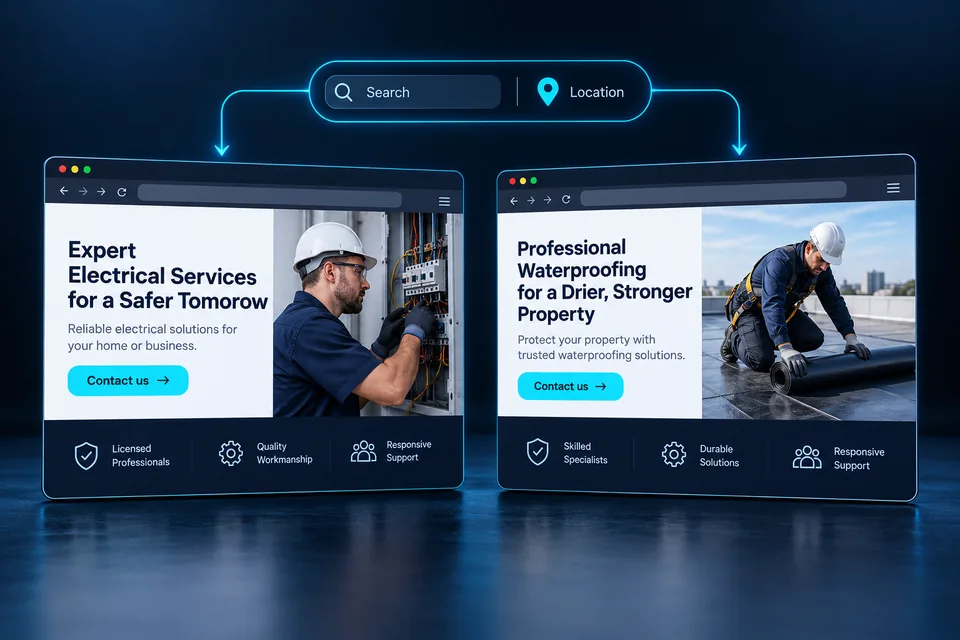

Strong candidates want more than a list of requirements. They want to understand the day-to-day work, their future colleagues, and whether applying is worth their time. A focused recruitment page gives the role depth that a short ad cannot, moving people from initial interest toward a conversation with genuine fit.
Explain what the job actually involves
Use a recognizable job title, define ownership, and describe the main responsibilities. Replace vague claims about a “dynamic environment for rock stars” with a typical day: the customers, team, and expected outcomes. Specific language helps candidates assess fit before investing time in an application.
State the actual location, hours, shifts, and remote or hybrid arrangements. If flexibility depends on training or manager approval, say so. Important details revealed only in the first call waste time for candidates as well as employers.
 Planning & setup
A shared brief connects business goals, audience needs and project deliverables.
Separate requirements, preferences, and learnable skills
A long requirements list can become a wish list for an imaginary perfect employee. Review it with the hiring manager and separate day-one essentials from skills that can be developed. Ask about job-related tasks, knowledge, and qualifications. Do not collect personal information that is unnecessary for evaluating the application.
Replace vague traits with examples. “Independent work” could mean managing weekly tasks with a team check-in. “Customer-focused” could mean regular communication with business clients. The page explains the role; suitability decisions belong in the organization's professional hiring process.
Scroll horizontally to compare
| Type | Presentation | Why it helps |
|---|---|---|
| Required | A skill or qualification essential to performing the job | Candidates understand the minimum requirements |
| Preferred | Experience that may shorten training | Candidates are not discouraged by a gap they could close |
| Learned on the job | Systems and processes taught by the organization | Candidates know what onboarding includes |
Show the working environment honestly
Original photos of the workplace, team, and work help candidates picture a typical day. Show the actual setting: an office, facility, service vehicle, or workstation. Get permission from the people pictured. Illustrative images can support a guide, but they should not replace authentic company photography on a recruitment page.
Connect culture statements to behavior: how new hires are supported, how often feedback is given, and how teams collaborate. Describe development opportunities without promising automatic promotion. Our business differentiation guide follows the same principle: use details you can stand behind.
 Talks & events
An agenda and introduction to the presenter help people understand what their time will deliver.
What should candidates understand first?
Three ways to present a role. Every detail on a real page must reflect the actual opening.
Out in the field. Backed by a team.
Describe the actual territory, responsibilities, equipment, and training.
A role that lets you deepen your expertise.
Explain responsibilities, working relationships, and tools instead of listing generic traits.
Start with a clear path into the role.
Explain what is needed upfront and what is taught during onboarding.
Illustrative scenarios. Adapt them to your business's actual offer.
Make it possible to apply from a phone
Candidates may not have a resume file available while reading an ad on their phone. Decide whether it is essential initially or whether a professional profile link and later follow-up could work. If uploading is required, state file types and size limits and confirm receipt. Errors should preserve information already entered.
Request contact details and a few job-related answers. Explain who receives the information, how it will be used, and the organization's retention policy. Do not send resumes or personal responses to analytics tools. Landing page development should address permissions, file storage, and submission failures.
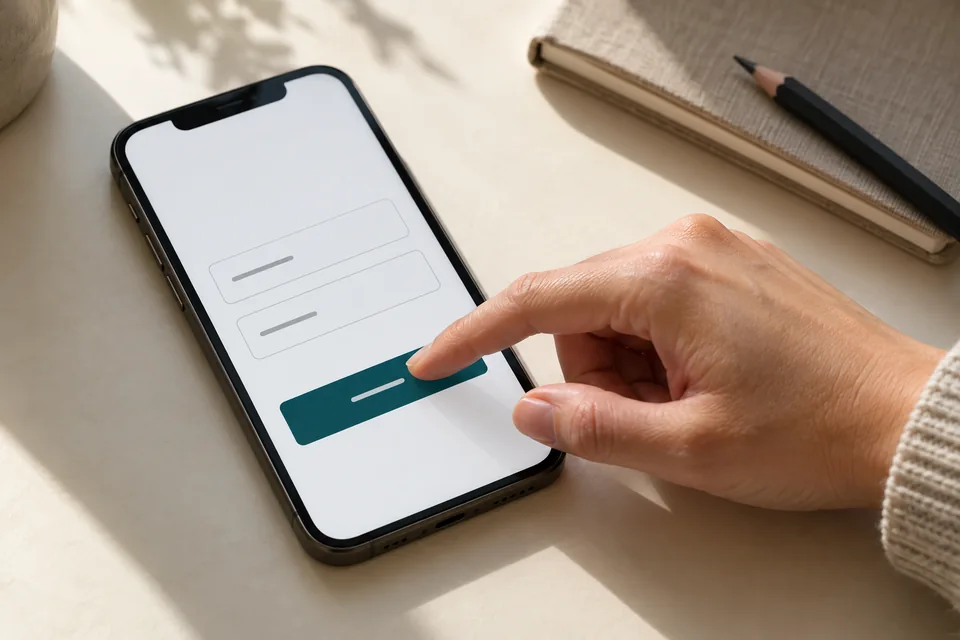 Mobile forms
Start with the information needed for the next conversation. Mark optional fields, explain what happens after submission and make buttons easy to tap.
Explain what happens after submission
Confirm that the application was received and outline the expected steps. Any response timeline should be one the organization can meet. Do not promise every applicant a call if screening happens first. Provide a way to ask questions or update details.
Pass the role name and application source to the recruiting system with the candidate's information. That prevents asking again which ad they saw. For multiple locations, let candidates explicitly choose their preferred workplace. A device's estimated location is not a person's job-location preference.
 Inquiries & follow-up
Connect each inquiry to its source, assign follow-up ownership and track qualification and the next conversation.
Connect the ad to the specific opening
An ad for installers in a particular region should lead to the relevant role and territory, not a generic list of openings. If one page serves several roles, use existing positions and approved content. Keep a stable identifier for each role so applications reach the right destination.
Dynamic landing pages can support this while letting candidates read the full role and change their selection. A role with its own page should have accessible content and direct navigation links. Do not generate dozens of near-identical pages distinguished only by city names.
Measure progress through the hiring process
Application volume is not enough. Track valid submissions, progression to conversations, and drop-off caused by missing information. Use clear, job-related process categories without turning the website into an automated hiring decision-maker.
Compare traffic sources using consistent definitions and enough time for the team to review applications. If candidates drop out after learning the location, clarify it on the page first. If the mobile form fails, fix usability. Our guide to diagnosing low conversions separates content problems from technical barriers.
 Measurement & conversion
Separate visits, actions and qualified inquiries to identify what really needs improvement.
Stop accepting applications for closed positions
Assign responsibility for updating the role, reviewing applications, and ending recruitment. When the role is filled, update the page and campaigns. Offer active openings or an optional talent pool only with a clear policy and the candidate's choice. Do not keep accepting applications as though the job remains open.
When building a recruitment landing page, align the recruiter, hiring manager, and data owner. Strong design attracts attention; accurate role information and a clear process give candidates a reason to continue. Together, they support better conversations for both sides.
Ready for the next step?
Check off what you already have. This checklist stays on this page; selections are not submitted or saved after a refresh.
Common questions
Does this replace our careers website?
Not necessarily. It can feature a specific role or recruiting campaign and connect to your existing application system. Keep the transition clear and consistent.
Is a resume required at the first step?
That depends on the role and hiring process. You can consider starting with contact details and job-related questions if the team can support that workflow.
Can one page feature several jobs?
Yes, but each role needs clear details, terms, and an application action. Consider dedicated pages when the roles differ substantially.
Images in this guide were created with AI for illustration. They do not depict actual clients, team members or campaign results.