

The form fills up, but some registrants never attend. Advertising may not be the only issue: the page may have generated curiosity without explaining why the event deserves time on the calendar. Good planning starts with what attendees want to take away and continues through confirmation, reminders, and the join link.
Give people a reason to make time
“An exciting marketing webinar” does not explain who should attend or what they will be able to do afterward. Start with an audience, a real question, and a realistic outcome for one session. “Plan your first launch campaign: three decisions before you spend” gives readers a way to assess fit. This is sample messaging, not a promise of campaign results.
Distinguish an introductory talk, a hands-on workshop, and a product demonstration. If the final segment includes a commercial offer, reflect that naturally in the agenda. Accurate expectations support better follow-up conversations, even if fewer people register because they wanted something else.
 Online courses
A glimpse of a lesson, exercise and finished work helps people assess whether the teaching style fits them.
Explain who it is for and what to know beforehand
People interested in the same topic may be at different stages. A business owner launching a first campaign needs a different foundation than a marketing manager comparing reports. State the intended audience, prerequisite knowledge, and preparation. If the session focuses on a particular tool, say so before the form.
Give your copywriter real audience questions: what comes up in sales calls, where people get stuck, and what they try themselves. Turn those questions into three to five learning points, each describing an action or decision rather than just a topic. If the event introduces a longer program, plan the next step with the course sales landing page.
 Planning & setup
A shared brief connects business goals, audience needs and project deliverables.
Build an agenda people can scan
Show the subject, audience, date, time, duration, and format near the top. Specify the time zone for online events with international attendees. For in-person events, provide a location and practical directions. Visitors should not have to reach the FAQ to know whether the event fits their schedule.
Then introduce a short agenda and the presenter. A useful bio connects experience with the subject: what the presenter has done and why their perspective matters. A short introduction, lesson excerpt, or original photo can convey the style, provided it does not delay the message or autoplay audio.
Scroll horizontally to compare
| Segment | What attendees gain |
|---|---|
| Introduction and context | A clear question and framework |
| Practical demonstration | A process they can follow |
| Application and questions | Connections to their own situations |
| Possible next steps | Relevant resources or services |
What kind of event are you planning?
Choose a scenario to see how the promise and action change.
Leave with a plan for your first step.
A clear date, three learning points, and an email field for confirmation.
Work on your own project, together.
Show the practical exercises, preparation, price, and what the ticket includes.
Meet, learn, and ask questions.
Show the location, time, duration, and admission process before the form.
Illustrative scenarios. Adapt them to your business's actual offer.
Reduce friction without losing useful information
An open session can start with a name and email address for joining details. Add phone, role, or company only for a defined purpose. If a question helps the presenter prepare relevant examples, explain why and consider making it optional.
The button should describe the actual action: Register for the Webinar, Buy a Ticket, and Request an Invitation are different processes. Explain whether attendance is paid and registration is confirmed immediately. Taking payment requires a proper landing page checkout flow, beyond button design.
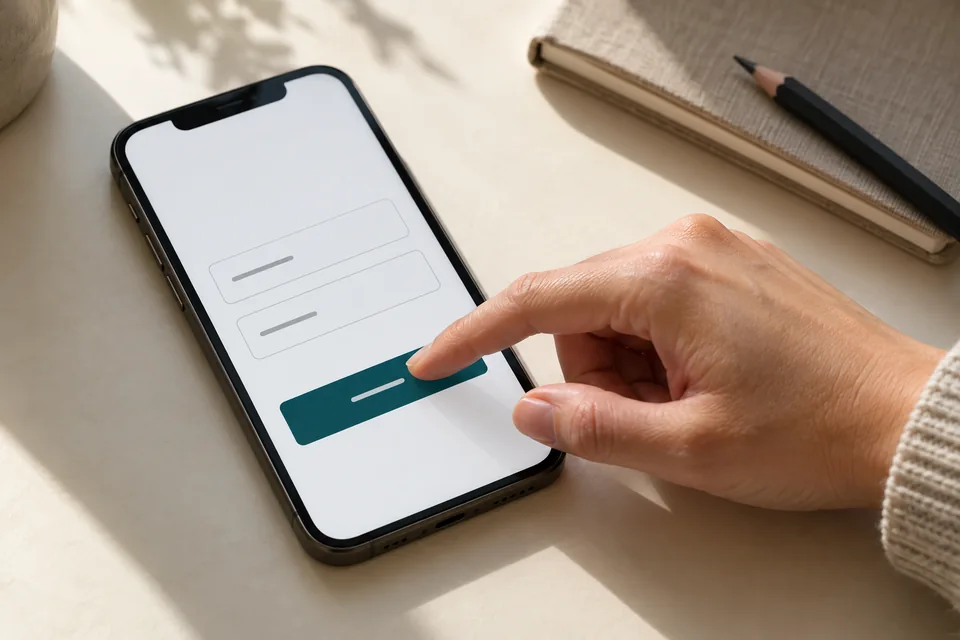 Mobile forms
Start with the information needed for the next conversation. Mark optional fields, explain what happens after submission and make buttons easy to tap.
Plan the moment after registration
Confirm receipt, show the event time, and offer a way to add it to a calendar. If the join link comes later, explain when and through which channel. Provide a way to correct an email address or get help. Registration should not send people on another search for basic information.
Plan reminders around the event date and registrants' expectations. Each message should help: recap the topic, surface the join link, or share preparation materials. Registering for a talk is not necessarily a request for all future marketing; keep preferences and message types distinct. A working page without this follow-through solves only half the problem.
 Inquiries & follow-up
Connect each inquiry to its source, assign follow-up ownership and track qualification and the next conversation.
Measure attendance, not just cost per signup
Separate visits, valid registrations, unique registrants, actual attendees, and follow-up conversations. Attendance rate uses valid registrations as its denominator. Cost per attendee divides attributed ad spend by attributed attendance. These answer different questions, so cost per form submission is not enough.
Compare sources over the same period with consistent counting rules. A campaign with fewer signups but well-matched attendees may be more valuable than one producing a list that never shows up. One event may not provide enough evidence. Our conversion optimization guide explains how to test a hypothesis without mixing several variables.
 Measurement & conversion
Separate visits, actions and qualified inquiries to identify what really needs improvement.
Keep the page useful after the event
Afterward, close registration for the past event and explain whether a recording, recap, or next session is available. If recording access expires, use a real deadline and honor it. A countdown that restarts on every visit undermines trust instead of creating a legitimate reason to act.
A continuing page can become a small event library, while valuable standalone events retain their own content and URLs. During landing page setup, assign responsibility for dates, registrations, and recordings. That prevents a launch from depending on urgent last-minute fixes.
What should you prepare before building?
Gather a working title, defined audience, date, agenda, approved presenter photo, platform details, and a recording decision. Prepare confirmation and reminder copy, and assign someone to answer questions. A landing page project can plan the whole journey alongside design instead of leaving it until after launch.
During handoff, register with a test address, verify confirmation delivery, and check that the link opens the correct event. Repeat on a phone and test full-capacity and closed-registration states. Paid traffic should begin only after the end-to-end process is clear.
Ready for the next step?
Check off what you already have. This checklist stays on this page; selections are not submitted or saved after a refresh.
Common questions
Does every webinar need a separate page?
Different topics or audiences usually need dedicated content. Repeated sessions of the same event can use an ongoing page with date selection, provided availability and confirmations stay accurate.
How long should a registration page be?
Long enough to answer the questions that affect the decision. A short, free session may need a concise explanation; a paid workshop with preparation requirements needs more detail. No page length guarantees registrations.
Should I advertise limited seats?
Only when there is a real limit. Explain that a small group supports questions or practice if that is true, without inventing scarcity.
Images in this guide were created with AI for illustration. They do not depict actual clients, team members or campaign results.