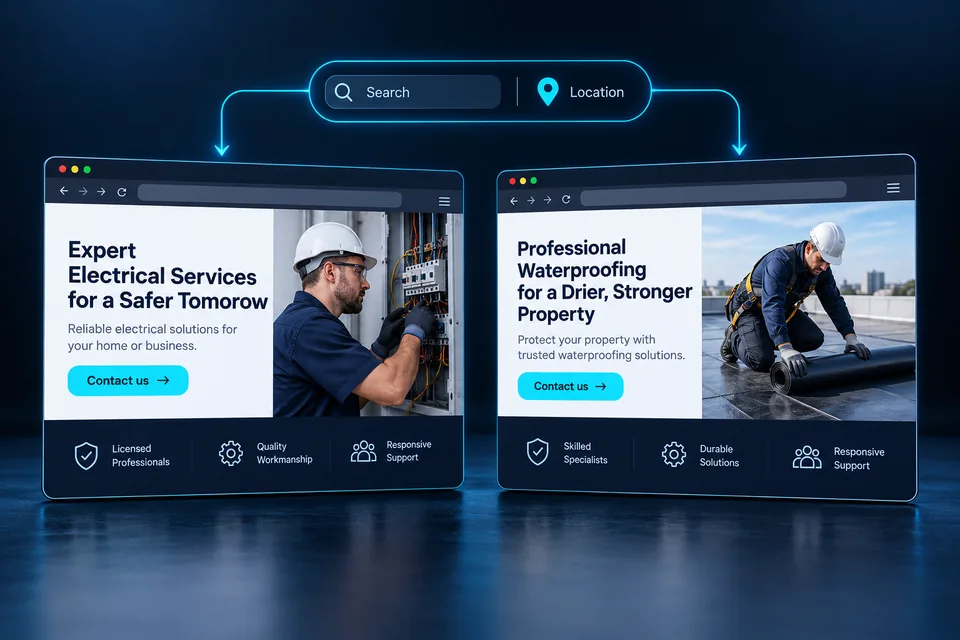
Service customers have practical questions: can you solve my problem, do you serve my location and what should I do now? A dynamic landing page can turn these questions into a clear path from the service they searched for to a scheduling conversation.
Personalize around three things: the job, the service location and the next step appropriate to the customer's stage.
Why personalization matters for service businesses
The same business may receive an urgent request, an estimate inquiry and an early research question in one day. Each prospect is at a different stage. Giving every service equal prominence can make it harder to find the right path.
For a locksmith, a lockout and a hardware replacement involve different conversations. For HVAC, a repair differs from planning a new home's system. For cleaning, a post-renovation job requires different details from recurring office service. Understand the work before choosing the words.
In the U.S., terminology and next steps differ between urgent repairs and planned projects. Our U.S. landing page service includes six industry demos showing how service and location shape the message.
in Ramat Gan?
Tell us about your door so we can discuss the right service options.
Map your services before multiplying page versions
List the services you actually deliver and the questions each raises in the first call. Separate shared questions from those needing distinct messaging. Dozens of campaign keywords may only require three or four meaningful content groups.
Scroll the table horizontally
| Scenario | What customers need to understand | Appropriate action |
|---|---|---|
| Locked-door opening | Whether the problem and location are covered | Check service availability |
| Air conditioner installation | The process and information needed for an estimate | Request a planning call |
| Post-renovation cleaning | Scope and service inclusions | Provide property details |
| Business consulting | The challenge and working approach | Arrange a discovery call |
Not every difference needs a new design. A shared structure can adapt the opening, service explanation and first form question. Consider separate journeys when the buying process differs substantially, such as a quick repair versus a long project.
Start with work the business actually performs. A pest control landing page may distinguish pests and property types. A roof waterproofing contractor's page should also explain roof type, substrate and assessment scope.
Distinguish visitor location from the service address
Map operating areas and limits alongside services. Are all services available in every city? Do hours vary? Which jobs require an assessment? Turn verified business answers into clear content rules.
Prioritize the customer's selected service address. A city passed in a campaign link can establish initial context; estimated location should remain correctable. The visitor's device may be nowhere near the property needing service. Google Ads also distinguishes physical location from location of interest. Google Ads location parameter documentation — opens in a new tab ↗
For an unsupported area, show a useful explanation and offer to check coverage. Do not silently substitute a nearby city and imply service is guaranteed. Accurate location information prevents unsuitable inquiries and later disappointment.
Connect services to the places you actually work. Our location-based landing page guide explains how to show relevant areas while letting visitors correct them.
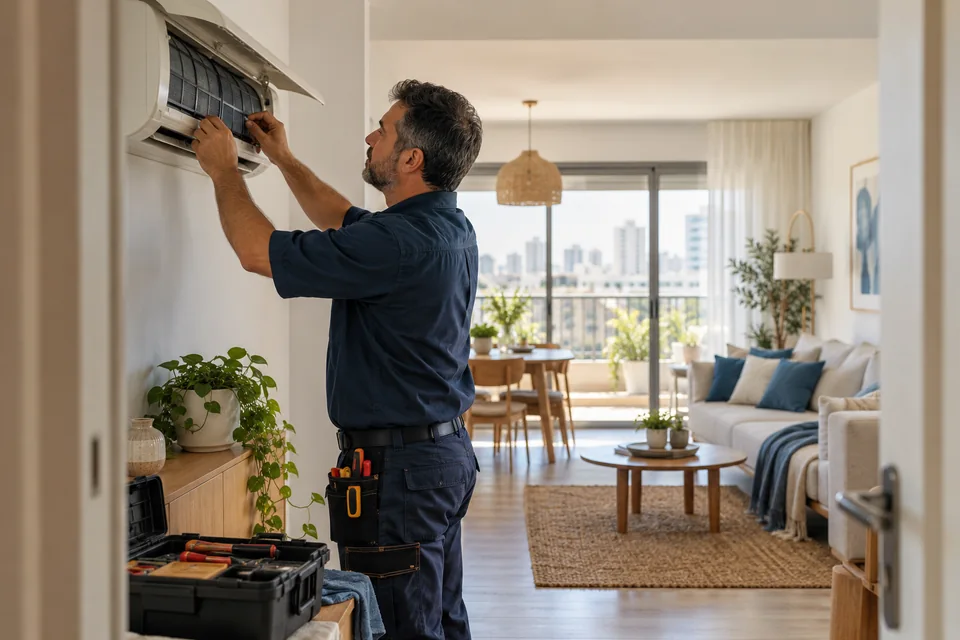
 Service areas
Service areas should reflect where the business actually operates and where the customer needs help.
Build the content journey for a service page
- Answer immediately. Name the service, relevant area and who it fits.
- Explain the deliverable. Cover scope, stages and what must be clarified before an estimate.
- Build confidence. Show genuine work, authorized reviews and verifiable business details.
- Address concerns. Explain scheduling, visit preparation and recurring customer questions.
- Invite the next step. Use a button describing the action: ask, schedule or request an estimate.
Adjust the order to urgency. Urgent services need a quick contact path and accurate availability limits. Planned projects benefit from detailed process explanations, examples and preparation for the first conversation.
Images should support the specific service. Installation photos, workmanship details and completed projects can answer real questions. Use authorized assets that accurately represent the business's capabilities and team.
The same thinking applies to professional services. A lawyer's landing page should distinguish the practice area, prospective client's situation and appropriate first step.
 Portfolio & proof
A real business should show its own work, explain what was delivered and highlight relevant details. This image illustrates one way to present a portfolio.
Use the form to prepare the first conversation
Collect what the next step needs. A useful question prevents repeated clarification or routes the inquiry correctly. Anything that does not change follow-up can wait. Field count is only one consideration; evaluate clarity, effort and information quality too.
- Service: choose from services the business actually provides.
- City or area: where the work is needed, with a correction option.
- A relevant detail: property or door type, for example, when essential for scheduling.
- Contact details: enough to follow up through the agreed channel.
- After submission: confirm receipt and explain what happens next without unsupported response-time promises.
On mobile, use persistent labels, appropriate keyboards and nearby error messages. Preserve entries when going back. Confirm success only after the system accepts the inquiry, and provide recovery without forcing users to start over.
If the next step is a conversation, plan who responds and what they ask first. On a WhatsApp landing page, the button is only the beginning; useful conversations matter too.
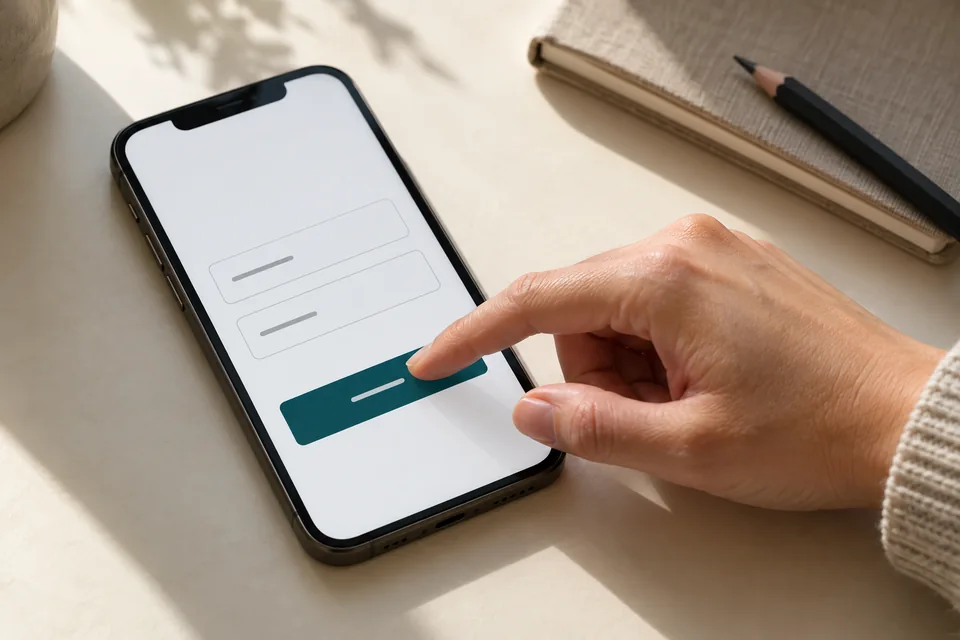 Mobile forms
Start with the information needed for the next conversation. Mark optional fields, explain what happens after submission and make buttons easy to tap.
Send your CRM an inquiry with context
A useful CRM inquiry contains more than a name and number. Include selected service, city, traffic source and page version. Sales staff can then pick up where the customer left off and understand the message they saw.
- Requested service
- Lock cylinder replacement
- Service area
- Ramat Gan
- Source
- Search campaign
- Follow-up
- Clarify door type and arrange service
Define statuses your team can update consistently: new, contacted, qualified, appointment booked and sale completed. Record disqualification reasons too. Without feedback, more forms can be mistaken for better fit.
For LEADER or another CRM, plan field mapping and failed-submission handling. Collect only necessary information and define access. See the concept in our CRM integration demo.
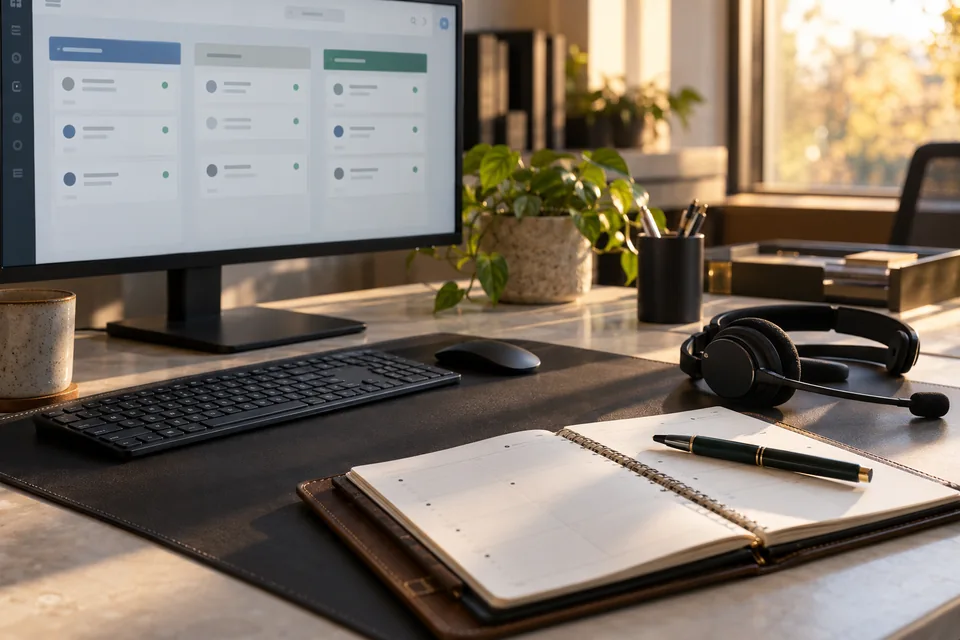 Inquiries & follow-up
Connect each inquiry to its source, assign follow-up ownership and track qualification and the next conversation.
Your pre-campaign checklist
Test representative journeys end to end: open a service-specific link, change the city, review the content and send a controlled test inquiry. Confirm that complete, understandable information reaches the correct destination.
- Every listed service exists and every service area is approved.
- The headline, image, proof and button address the same need.
- The default page makes sense without service or city information.
- The form works on narrow screens and its messages are clear.
- The team knows who follows up and how to record outcomes.
After launch, review early inquiries with the service team. Recurring questions are valuable input. If people repeatedly ask whether you handle a property type, clarify it on the page and evaluate the effect on lead quality.
Bring these decisions together in a landing page development brief. Our landing page launch guide helps plan approvals, testing and handoff.
A few more useful questions.
Do we need a separate page for every city?
Not necessarily. A shared page can personalize the area. A standalone city page makes sense when meaningful local information, distinct services or a specific content need justifies it.
Can one system support several service categories?
Yes. Define service groups and rules for each. Very different categories can use separate pages while sharing infrastructure, design and lead management.
Should we show pricing before asking for contact details?
Accurate prices or a clear pricing explanation help people decide. When work requires diagnosis, explain what an estimate needs and includes without showing a misleading figure.
Images in this guide were created with AI for illustration. They do not depict actual clients, team members or campaign results.