

Before asking people to get excited about a new product, explain where it fits into their lives. A strong launch page makes the use case clear, states the product's current stage, and offers an appropriate next step. Not every product should start with a sale, and a waitlist does not automatically represent purchase intent.
Choose the product's first audience
A product may solve problems for several audiences, but its first launch page needs a story people can understand quickly. Choose a reachable group with a clear need. Replace “a revolutionary solution for everyone” with a specific situation: who faces the problem, when it occurs, and how the product fits their current workflow.
Early audience conversations may reveal value in a feature the team considered secondary. Capture customers' language and describe existing alternatives fairly. Explain a useful improvement without inventing a problem or dismissing every other solution. A short messaging brief can prevent a beautiful page that nobody understands.
 Planning & setup
A shared brief connects business goals, audience needs and project deliverables.
Bring one use case to life
An attractive product photo creates interest but may not explain how it works. Show an important detail and a real usage context. Software can demonstrate a short workflow with sample data; a physical product can show scale, handling, connections, or packaging. Choose visuals that answer an actual customer question.
Label renderings and prototypes when the product is still in development. Do not present planned features as capabilities already tested by customers. Our landing page examples guide breaks down messaging, evidence, and action beyond visual inspiration.
 Examples & inspiration
Study who a page is for, how it communicates value and what helps readers take the next step.
Match the signup to the product's stage
A waitlist collects interest in updates; a pilot may require qualification and a time commitment; a preorder involves purchase and delivery terms. The headline and button should identify the offer. Do not say Buy Now when you are only collecting contact details, or imply a signup reserves inventory when it does not.
Document what subscribers will receive and when you can update them. If the launch date is uncertain, say you will notify them when registration opens. Honest wording is better than an artificial deadline that keeps moving. The waiting period is part of the experience, not an empty gap between advertising and sales.
Scroll horizontally to compare
| Status | Appropriate action | Information that must be clear |
|---|---|---|
| Validate interest | Sign up for updates | What is being developed and what is not final |
| Test version available | Apply for the pilot | Who qualifies and what participation involves |
| Ready to order | Purchase or preorder | Price, terms, and delivery timeline |
What stage is your launch at?
Choose a stage to see the right next step for visitors.
Want to hear when the product is available?
Show the direction, label the preview, and gather initial interest.
Help us test the product in real use.
Explain who the pilot is for, its limitations, and the commitment involved.
The product is ready for your next step.
Present the available version, price, and delivery process.
Illustrative scenarios. Adapt them to your business's actual offer.
Build trust before you have a large customer base
For a new product, explain why it was built, how it was developed, and who is behind it. Present tests and results with context. Get permission before quoting pilot users and identify the version they used. Do not present subscriber counts as paying customers.
Match the evidence to the claim. If the benefit is ease of use, demonstrate the task. If it is material or manufacturing quality, show relevant details and documentation. Business differentiation starts with facts like these, rather than superlatives that do not help people compare.
Ask fewer questions, but learn something useful
A simple waitlist may need only an email address and an optional question about intended use. A business pilot may need a role, team size, or current system. Request only information that changes how you handle the signup, and explain whether participation requires a suitability review.
Save the offer version and signup source to understand which message attracted which audience. Connect that context to your lead system without putting personal information in URLs or unsuitable analytics tools. The form should confirm receipt, handle duplicates, and offer help if something goes wrong.
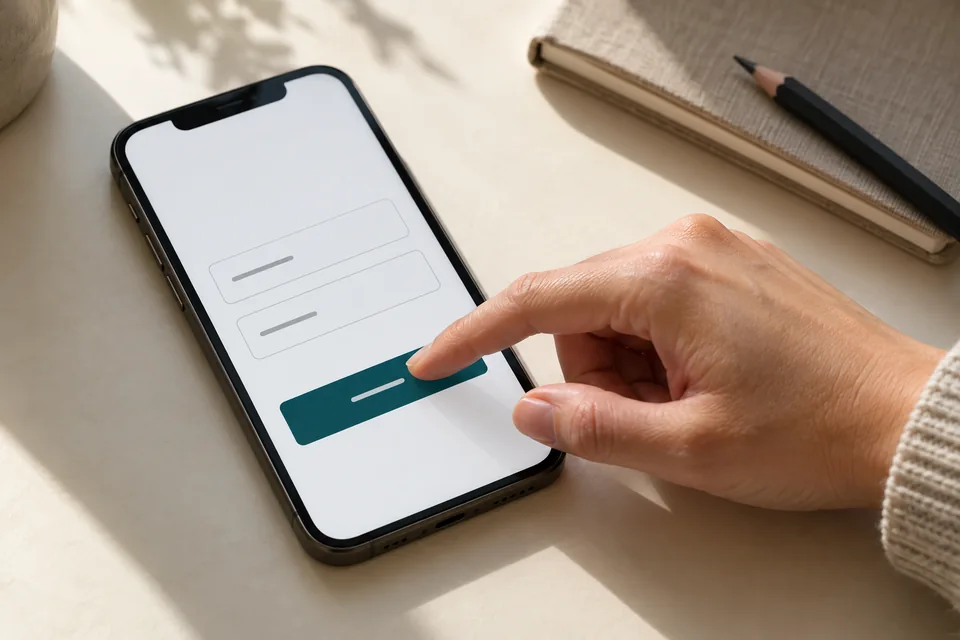 Mobile forms
Start with the information needed for the next conversation. Mark optional fields, explain what happens after submission and make buttons easy to tap.
Connect the launch page with the creative
A visitor arriving from a video about a specific use case should see that same context at the top of the page. Approved variants can serve different audiences, but arbitrary URL text should not rewrite your product promise. Dynamic landing page planning helps manage those variants while preserving a useful default version.
A discovery-stage product video may need more explanation than a campaign reaching people already searching for the category. Our Facebook lead form versus landing page comparison helps determine where that explanation belongs and what to ask before a conversation.
 Social campaigns
Social ads need context and a reason to stop scrolling. The next page should deliver on the same promise.
Distinguish curiosity from demand
Track valid signups, confirmed participation, pilot usage, and eventually orders as the product progresses. A large waitlist can open conversations, but it is not a sales forecast. Contact a sample of subscribers within the expectations you established to learn what interests them and what they still need to decide.
Define what evidence will support a decision: audience fit, a primary reason for interest, or a recurring obstacle. Avoid arbitrary targets chosen because they look good in a presentation. When the page moves to sales, prepare a reliable checkout flow and update the copy, terms, and measurement.
Plan for launch day and the day after
Create an action list: enable purchases, update availability, test links, revise confirmations, and assign response ownership. Check that old ads and previous waitlist links still lead somewhere useful. Launch day is too late to discover that an old form still promises only an update.
A landing page design and development project can plan these stages in advance. The preview, pilot, and sales versions share a visual identity while each provides one clear action. The transition changes the whole expectation the page creates, not just its button.
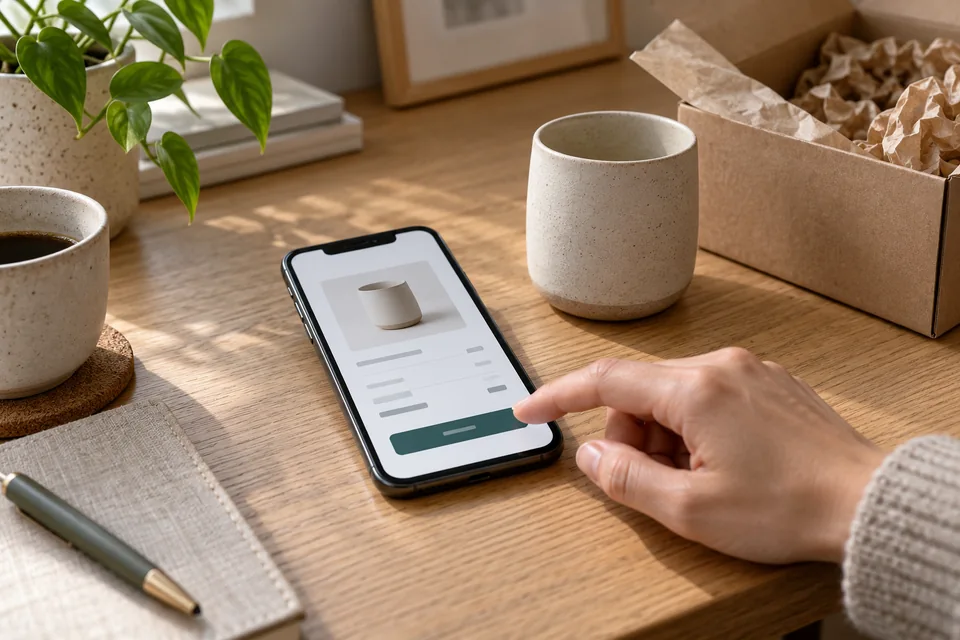 Purchasing & checkout
Explain price, inclusions and delivery before payment. Plan confirmations, failed payments and fulfillment too.
Ready for the next step?
Check off what you already have. This checklist stays on this page; selections are not submitted or saved after a refresh.
Common questions
Can I publish a page before the product is ready?
Yes, if you clearly distinguish what exists from what is in development. Offer updates or pilot applications as appropriate. Do not sell an unavailable capability without explaining its status and terms.
Should a waitlist page show a price?
If pricing is established, it can help assess relevant interest. If it is not final, explain that pricing will be announced at launch. Do not make a tentative estimate look like a confirmed offer.
Should I delete the launch page once the product is live?
Usually, update it for the current stage or redirect it to a relevant replacement if the site structure changes. Existing links should still lead somewhere useful.
Images in this guide were created with AI for illustration. They do not depict actual clients, team members or campaign results.