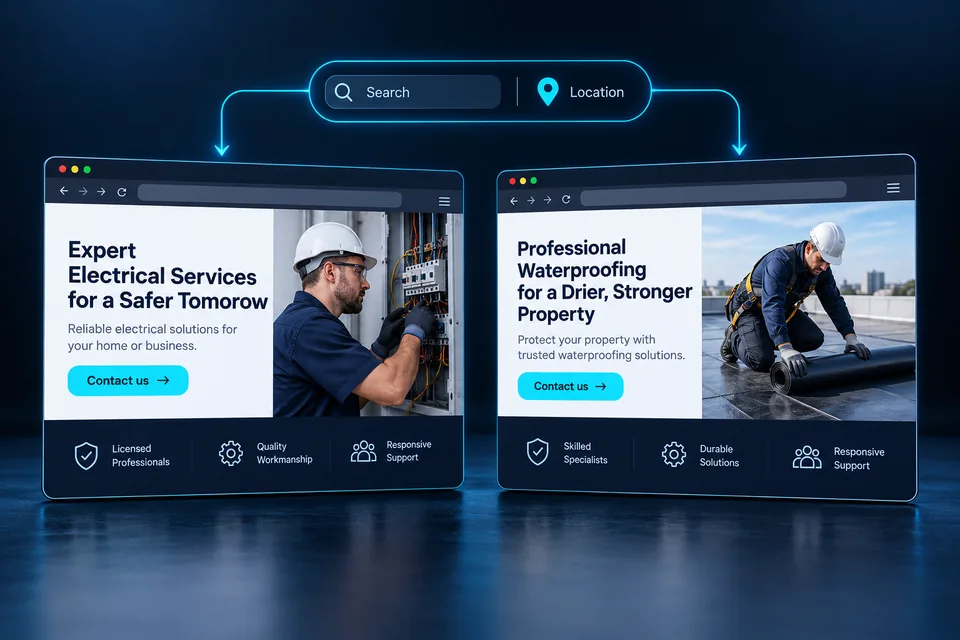
Two people find the same locksmith. One is locked out; the other wants to replace a lock cylinder. A dynamic landing page lets each find a relevant answer within one consistent design, using clear rules and prewritten content.
The value is continuity: from the promise that earned the click, through the content the visitor sees, to the information your sales team receives.
What is a dynamic landing page?
A dynamic landing page changes selected elements based on visit context. That context may come from a campaign link, a visitor's choice or an available location estimate. Rules map the context to approved headlines, introductions, services, FAQs or calls to action.
Infrastructure, business identity and design stay consistent. Content changes where customer needs differ. Related services do not require dozens of near-identical pages, while substantially different services may deserve their own structure and content.
Let's find out how we can help.
Lockout assistance in Jerusalem and the surrounding area.
Check whether we can help →Where does personalization context come from?
Map incoming links, the service each represents and the areas you cover. An agreed service identifier in the URL can select a version even without keyword information. Explicit visitor choices should let people correct that context during the visit.
Where supported and available, Google Ads' {keyword} parameter passes the account keyword matched to a search—not necessarily the user's actual query. It may be empty for traffic without keyword matching, so a complete default version is essential. Google Ads ValueTrack documentation — opens in a new tab ↗
Location also needs interpretation. Someone in Tel Aviv may arrange work at an apartment in Jerusalem. A network estimate is not a service address. Suggest an area, let the visitor change it and pass their confirmed choice into the form.
Distinguish device location from the place where service is needed. Our city and service-area landing page guide covers location selection and a useful default when context is missing.
For search advertising, distinguish the campaign keyword from the actual search query. Our Google Ads landing page guide explains what context can reach a page and how to test the match.
 Service areas
Service areas should reflect where the business actually operates and where the customer needs help.
What should change on the page?
Scroll the table horizontally
| Element | What changes | What stays accurate and consistent |
|---|---|---|
| Headline & opening | The service and primary need | Business identity and actual service capability |
| Benefits & evidence | Presentation order based on relevance | Verified facts, photos and approved testimonials |
| Service area | A city from the approved service-area list | Coverage limits and operating hours |
| Form & button | Questions and calls to action suited to the need | A clear explanation of what happens after contact |
Changing a city name in the headline is insufficient if the rest stays generic. A lock replacement customer wants options, compatibility and process. Someone locked out first needs to know whether help is available in their area. Follow each customer's question sequence.
Do not invent a branch, availability, credential or review for a particular version. Every promise must reflect real capability. A persuasive headline loses value if sales staff later have to explain that the service is unavailable.
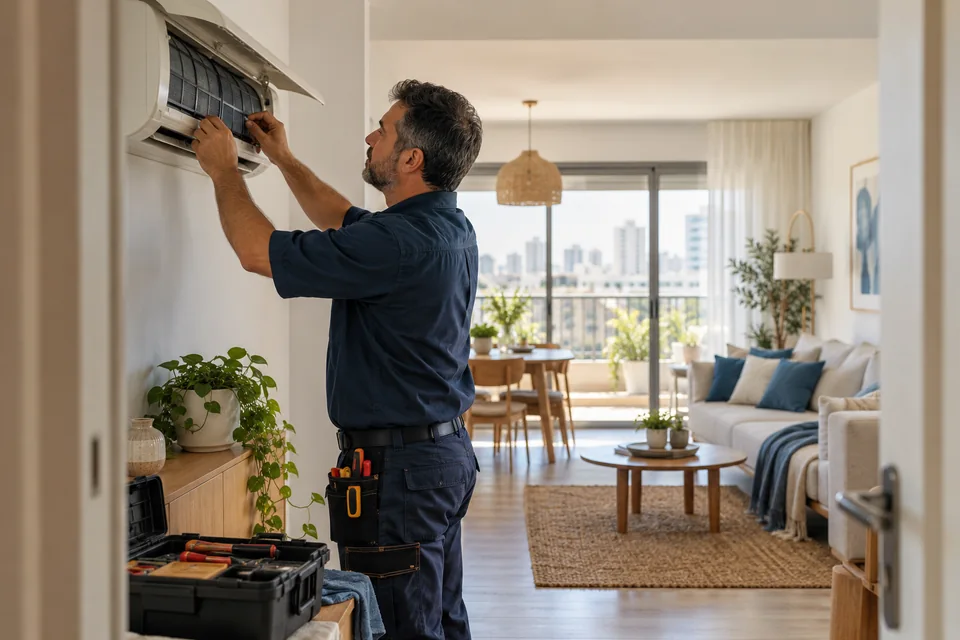
An HVAC installation landing page illustrates the difference: installing in a new home needs a different explanation from replacing an existing system. Our dynamic pages for service businesses guide explores this needs mapping.
 From ad to landing page
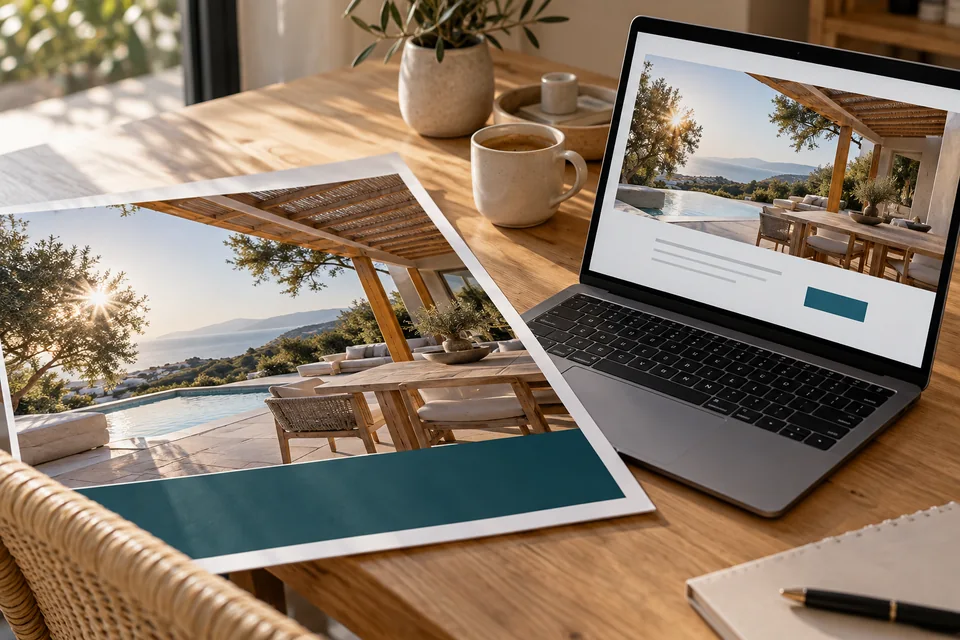
An ad sets an expectation. The page's image, headline and offer should continue that conversation and make the next step clear.
Plan the page before designing it
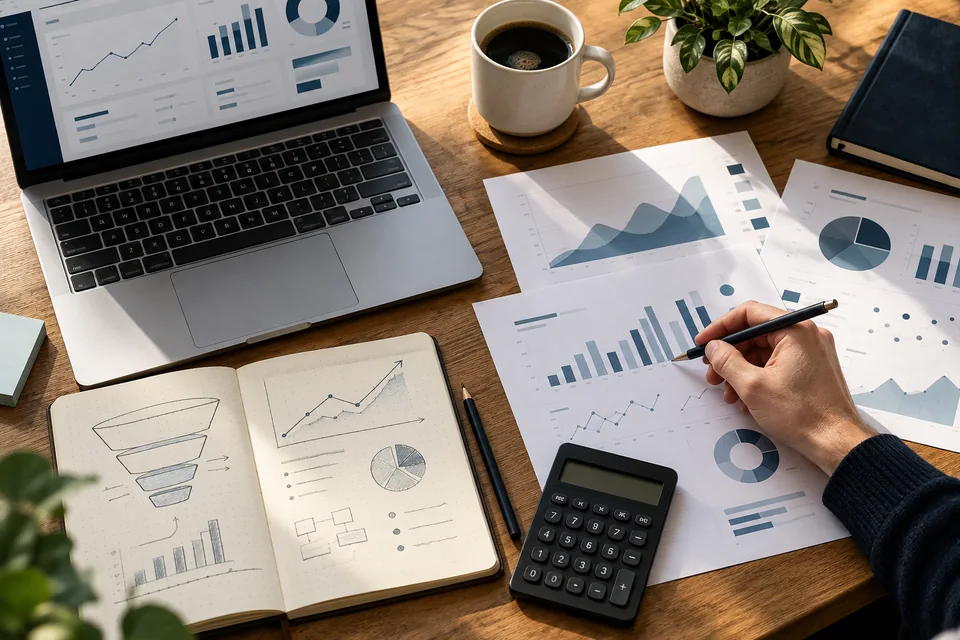
Start with the services, customers and inquiries you want. Group searches by intent: urgent help, exploring options, requesting an estimate or arranging a meeting. Define a central question, answer, proof and next action for each group.
- Map needs. Separate services and situations that genuinely need different answers.
- Write the default version. Make direct visits useful without any parameters.
- Define the variations. Document each version's headline, content, location, button and form fields.
- Build a shared design. Check that even the longest headline stays readable on mobile.
- Connect measurement and CRM. Pass the version identifier and service with the inquiry.
Keep a single content document with versions side by side. It exposes duplication, conflicting promises and unsupported service-location combinations before development.
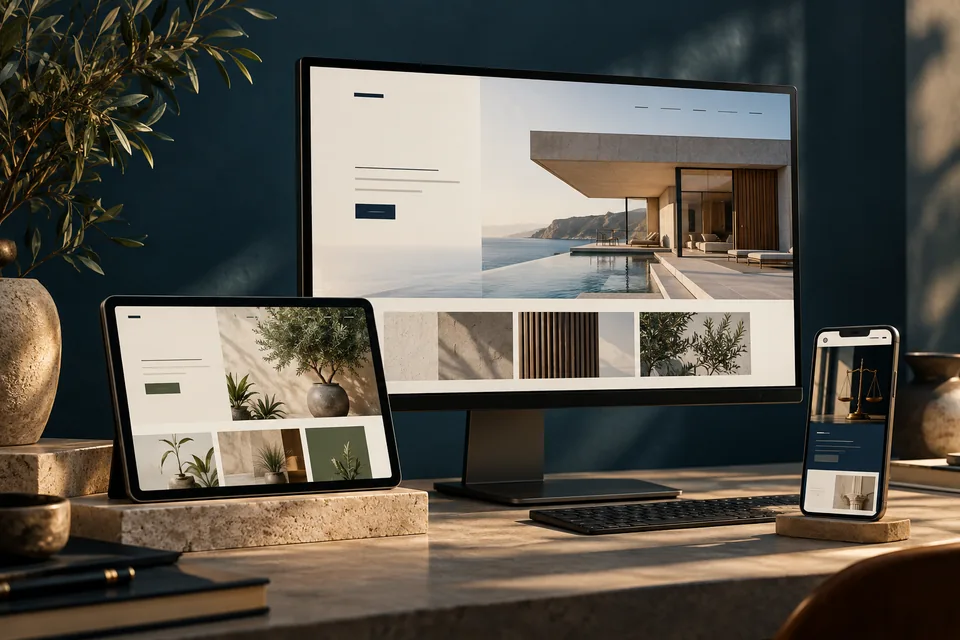 A landing page system
Decide when you need a separate page and when one system can adapt the content.
Make every entry path work
Use an approved set of values and content. Unknown parameters, typos and old links should fall back to a useful default. Never paste arbitrary URL text into a heading or leave the service name blank.
- Test visits without parameters, with a known service and with an unsupported service-city combination.
- Ensure the form retains choices when users go back a step.
- Test successful submission, errors and duplicate prevention.
- Check menus, keyboard access, contrast and narrow screens for every content version.
When content changes after load, prevent layout jumps and make updates understandable to screen-reader users. Images and effects should support the explanation while leaving buttons and forms available.
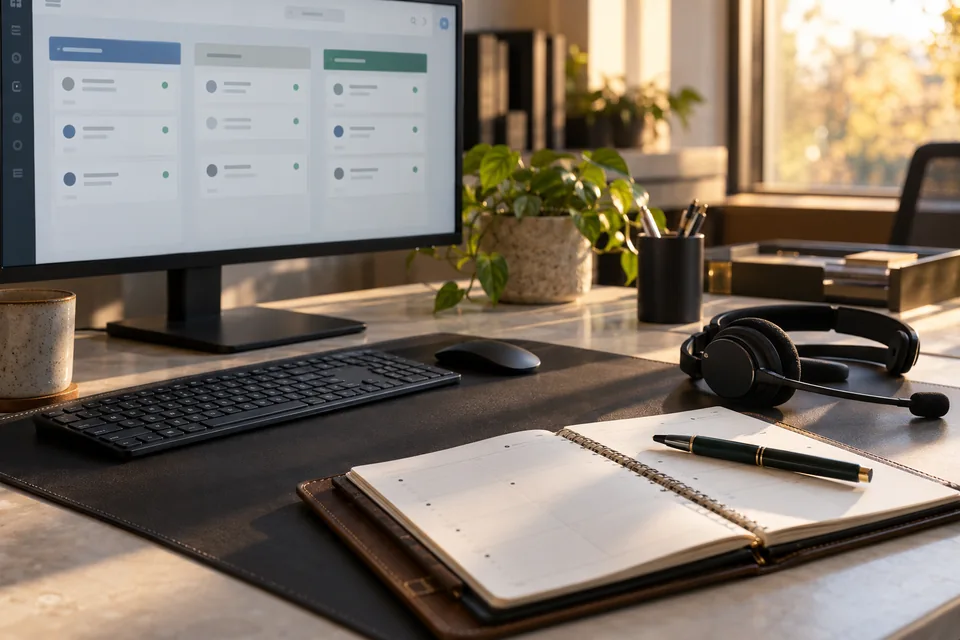 Inquiries & follow-up
Connect each inquiry to its source, assign follow-up ownership and track qualification and the next conversation.
Where does organic search fit?
Plan campaign variations and organic content together. Keep the default content complete, with clear headings and internal links. For duplicate or very similar URLs, consistent canonical signals identify your preferred version, though Google ultimately chooses the canonical URL. Google's canonical URL guidance — opens in a new tab ↗
Topics with independent value, such as choosing a service or understanding a process, can support a separate guide. A city page needs useful local information that justifies its existence. Automatically adding city names to dozens of pages does not replace expertise or guarantee visibility.
Explore our landing page SEO guide and connect services, guides and demos with links that genuinely help readers.
Who benefits—and when should you start simpler?
Dynamic pages are especially relevant to businesses with related services, multiple service areas or different campaign messages. They work best with a team that maintains the information, measurable traffic and a sales process that records inquiry outcomes.
For one service, a consistent audience and limited traffic, a focused static page can be a strong start. First make the offer clear, evidence credible and inquiry process reliable. Add personalization as real needs emerge while keeping the design foundation.
Once useful variations are defined, explore our landing page development service and scope the content, design and integrations your project needs.
A few more useful questions.
Does a dynamic landing page require AI?
No. Prewritten, approved content and defined rules can drive personalization while keeping messaging accurate and consistent.
Can the page connect to our existing CRM?
Yes, subject to the system's integration capabilities. Planning defines transferred fields, source attribution and failure handling. The integration is tested as part of the project.
Does every headline change improve conversions?
No. A change needs to address a real need and be tested against an agreed metric. Relevance is a hypothesis; outcomes also depend on traffic, the offer and follow-up.
From reading to project planning
Dynamic landing pages need a clear content map and personalization rules. Start with planning and launching the page, explore a practice-area and location demo for law firms, and see how messaging, design and forms work together in our landing page service.
Official reference: Google: choosing a canonical URL for similar content
Images in this guide were created with AI for illustration. They do not depict actual clients, team members or campaign results.