
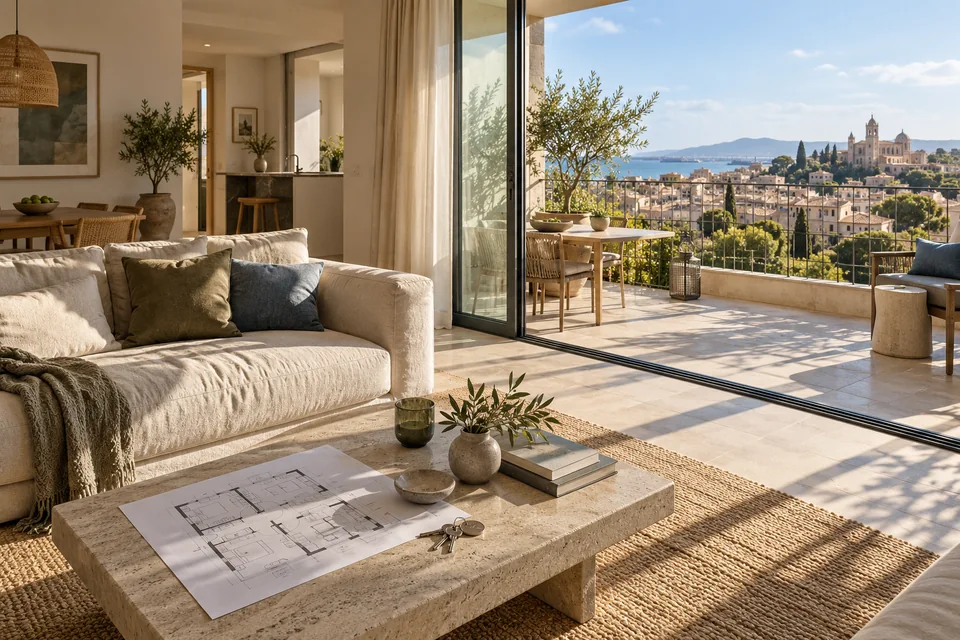
A beautiful balcony can stop the scroll, but a relevant inquiry needs more: what is offered, where it is, who it suits, and what can be explored next. A professional real estate page combines atmosphere with facts so prospects begin the conversation with an understanding of the property and the process.
Define the offer: a property, development, or brokerage service
These are three different offers. A single-property page presents that property's details and terms. A development page explains available home types and the inquiry process. A brokerage page may target owners looking to sell. Without a defined offer, the headline and form can speak to different audiences at once.
Start with the conversation you want. Is the visitor asking about a specific home, arranging a showing, or seeking help selling? The answer determines the images, opening information, and form questions. Even within one industry, a single content template does not suit every objective.
Provide the details people need to assess fit
Use approved information about location, property type, layout, and availability. If you show a starting price, clarify what it covers and whether that offer is still available. Do not use a photo of an unavailable unit in a way that implies every option looks the same.
Maintain one approved source of property information. Assign responsibility for updates and record when availability was checked. Stale details can generate many unsuitable inquiries. Marketing content should support an informed discussion, not replace legal, planning, or financial due diligence.
 Service areas
Service areas should reflect where the business actually operates and where the customer needs help.
Show the space and its context, beyond one beautiful image
Choose a sequence that explains the property: an overview, a main room, a useful detail, the surroundings, and a floor plan. This builds spatial understanding. Avoid dozens of near-identical images that lengthen the page without adding information. Give each image a purpose and descriptive alt text without keyword stuffing.
Clearly label renderings, virtual staging, and illustrative photography. On a live property page, use authorized images of the actual property and its surroundings. Our landing page examples guide separates visual impact from evidence—a particularly important distinction when visitors need to understand what actually exists.
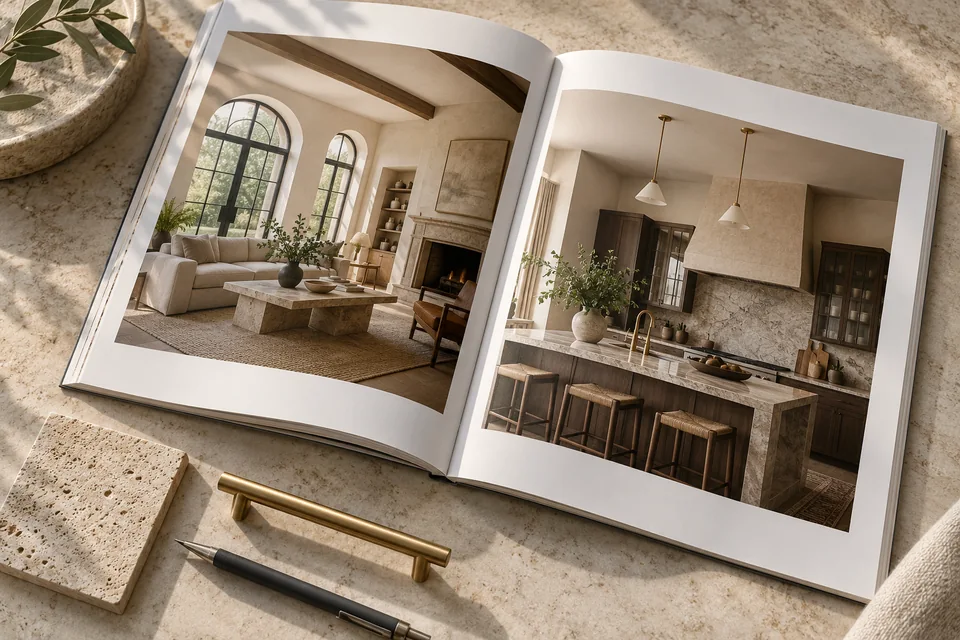 Portfolio & proof
A real business should show its own work, explain what was delivered and highlight relevant details. This image illustrates one way to present a portfolio.
What are you marketing in real estate?
Illustrative messaging and calls to action. These examples do not advertise an available property or promise a transaction.
Get to know the space before scheduling a showing.
Present verified property details, photography, and availability.
The plans, residences, and neighborhood in one place.
Help visitors understand the available home types and request relevant information.
Plan your property's sale with a clear next step.
Explain the process and the information needed for an introductory conversation.
Illustrative scenarios. Adapt them to your business's actual offer.
Make neighborhood information useful
Useful local content answers practical questions about location, access, and relevant nearby amenities. Verify distances, travel times, and local features, and explain their context. “Close to everything” is no substitute for information people can evaluate.
You do not need identical pages for every neighborhood just to include place names. A development with its own information and images may deserve a dedicated page. Our local content guide explains the difference between meaningful personalization and a name swap.
Ask questions that help arrange the next step
Contact details and the nature of the inquiry may be enough to begin. Offer a property-type selection when relevant, or an area of interest if location affects the offer. Ask only for information the team needs to respond; do not turn the initial form into a detailed financial questionnaire.
Distinguish a scheduling request from a confirmed appointment. Request Project Details, Check Availability, and Schedule a Showing set different expectations. If a call follows, explain who will respond and what they will discuss. Our WhatsApp landing page guide helps plan an alternative for people who prefer messaging.
Scroll horizontally to compare
| Page type | Key information | Example action |
|---|---|---|
| A specific property | Property details and availability | Request a showing |
| Residential development | Home types and the information request process | Get project details |
| Seller representation | The process and knowledge of the local market | Arrange a discovery call |
Connect the ad with the right property
If an ad features a particular home type or area, the opening of the page should continue that context. You can adapt galleries, headlines, and buttons for approved projects, but should not generate unverified property details. For multiple listings, choose a catalog, dedicated campaign pages, or both as appropriate.
Our Google Ads landing page guide explains how to map search intent. For social traffic, our lead form versus landing page comparison helps decide how much explanation is needed before an inquiry. Traffic source is part of the messaging strategy.
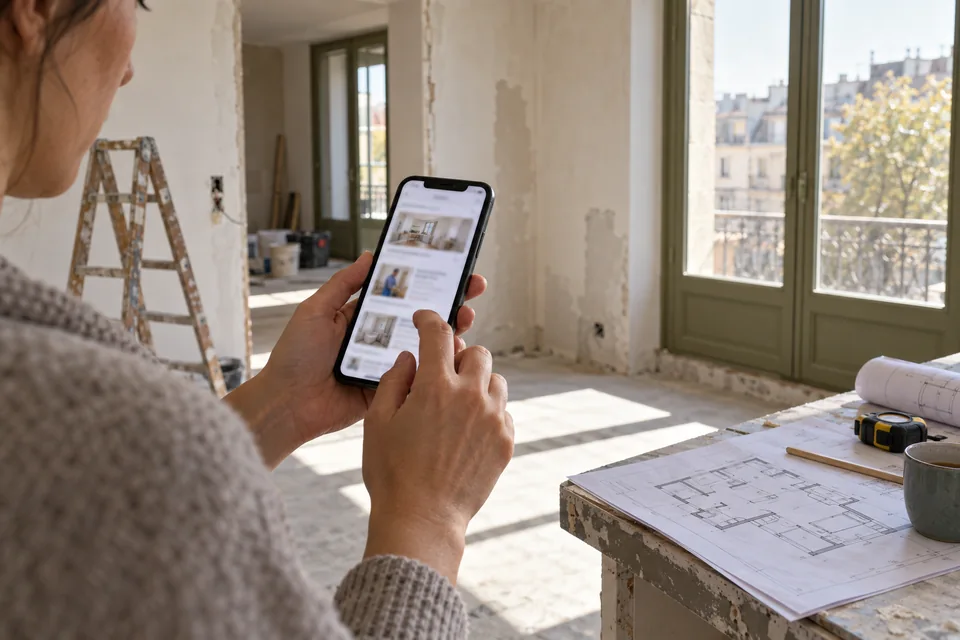 Search & intent
Search terms open a conversation. The page should explain how your service meets the need and where it is available.
Pass the property and the question to the representative
Every inquiry should include the property or project identifier and the visitor's selection. That prevents a generic opening question that makes prospects describe the ad again. Assign ownership of follow-up, status updates, and responses when a property is no longer available.
Measure qualified inquiries, conversations, and appointments alongside form submissions. A showing is not a guaranteed sale. The process can take time, so allow for follow-up and compare consistent reporting windows before changing the campaign.
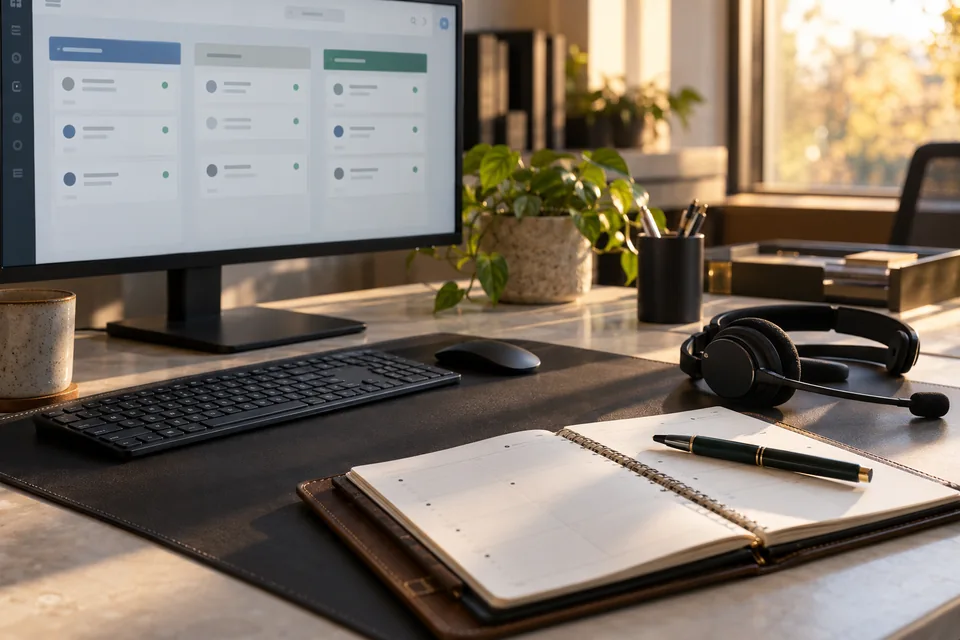 Inquiries & follow-up
Connect each inquiry to its source, assign follow-up ownership and track qualification and the next conversation.
Organize project materials before design begins
The brief should include approved details, authorized images, publishable plans, the target audience, and a lead-handling process. Assign owners for availability and copy approval. For a brokerage with several services, consider our guide to landing pages versus business websites.
Our landing page development service brings the visual story, practical information, and team handoff together. An impressive real estate page does not need to hide details behind a video. It should create interest and make the next relevant step easy.
 Design & hierarchy
Color, spacing, imagery and typography create a hierarchy that guides attention to what matters.
Ready for the next step?
Check off what you already have. This checklist stays on this page; selections are not submitted or saved after a refresh.
Common questions
Does every property need its own page?
A dedicated page may suit a property with substantial information and its own campaign. A large inventory may work better as a searchable catalog with detail pages.
Can I use renderings?
Yes, when you have permission and label them clearly. Distinguish existing features, planned features, and imagery used only for atmosphere.
How do I qualify inquiries without making the form difficult?
Provide information that helps visitors assess fit, then ask a few practical questions. Save detailed qualification for the appropriate conversation.
Images in this guide were created with AI for illustration. They do not depict actual clients, team members or campaign results.